MusicRadar Verdict
Bitwig 6 expands the DAW’s abilities as a modulation and automation powerhouse, with numerous creatively angled enhancements that have proved very welcome to the software’s dedicated user base.
Pros
- +
Huge updates to the automation system.
- +
Clip aliases speed up workflow.
- +
Key Signature and related theory-based improvements.
- +
UI enhancements and new tools.
Cons
- -
If you’re unfamiliar with Bitwig’s ethos, these enhancements will likely leave you shrugging, but aside from that - nothing!
MusicRadar's got your back Our team of expert musicians and producers spends hours testing products to help you choose the best music-making gear for you. Find out more about how we test.
What is it?
Pricing: Bitwig Studio Essential - $99/€99/£79; Bitwig Studio Producer - $199/€199/£169; Bitwig Studio (Full) - $399/€399/£339
Buy from: Plugin Boutique
12 years ago, I can remember when the initial launch of Bitwig Studio sparked a wave of perplexed intrigue amongst the in-the-box crowd. Many were dubious as to what this Ableton-spawned upstart could really bring to the table that its well-established parent didn’t already provide.
At that time, many home producers had (by and large) gravitated either towards Ableton Live or Logic as their creative HQs. It was, therefore, an odd point to launch a new contender.
But, in just a few short years, Bitwig Studio’s true aim was clear.
Bitwig wasn’t really attempting to take on these big dogs of the DAW domain. Bitwig Studio wasn’t really intended to be your new professional mix edit station. Instead, Bitwig’s intent was to create a complementary creative playground - with heaps of routing and effect-oriented flexibility. Its emphasis on new sound creation was underlined further when it introduced The Grid - a modular-based instrument-and-effect design system that has been intrinsic to its enduring appeal.
As with Ableton Live, Bitwig balances a clip-launching workflow alongside a more traditional timeline view, but with a more hyper-focused approach on both modulation and unique routing attitudes.
With over a decade of updates and a dedicated user base, Bitwig Studio now feels like more of a (dare we say it…) ‘cerebral’ space. Unsurprisingly, many in the modular synth domain flocked to it, particularly following its more wholehearted embrace of the hardware domain with more CV-angled features in 2019. Bitwig Studio has also blossomed into a full-fat DAW over the years, particularly beloved by the electronic domain.
Now out of beta, version 6 of Bitwig Studio cements the DAW’s standing as the ultimate destination for sound design and expressive modulation. It’s the unlocking of previously faffy actions regarding modulation that version 6 (which we’re reviewing here in its beta mode) has clearly set as a focus, whilst also taking pains to keep one eye on the clock, saving time and trimming fat across the board.

Performance
From the outset, it’s abundantly clear that Bitwig’s automation system has been the main area of focus during the development of this new version. With a much more intuitive feel to the refreshed UI, it’s now extremely straightforward to get hands-on with it.
Whilst the flagship takeaway of version 5 (2023) was a salvo of advancements to its shape drawing-based multi-stage envelope generators (aka MSEGs) for more dynamic control of automation styles, version 6 pulls all the way out for a more comprehensive re-think of the entire structure.
Firstly, there’s been an overall UI refit, with a somewhat darker, more mature colour scheme. There’s a mega-useful Photoshop-esque tool palette on the right-hand side of the UI, too. It’s a tighter approach, making it straightforward to get your hands on the deeper-control tools on the go.
There’s also more fluid control over automation in general, with more slick editing gestures making things feel a bit more responsive. But let’s look at the key flagships of v6.

The new clip-based automation concept is a game-changer, allowing users to treat preset automation in much the same way as a traditional MIDI clip, as opposed to having to carefully edit a track-spanning automation lane. It makes complete sense when you think about it.
It's a clever way to bring automation firmly into the minds of the more instinctive, loop-based creatives who might not want to spend hours of time laboriously drawing or copying their specific automations to a whole slew of track elements. You can cut, stretch, loop and drag/drop automation data just like a standard clip.
Automation Clips don’t replace traditional editing, which you can still tend to the old fashioned-way if you wish. But, it makes for a far quicker process when chopping-and-changing different effect movements across multiple audio or MIDI sources, without having to draw in roughly the equivalent curves by hand (for elements like sudden frequency-ducking or precise filter opening/closing on multiple sources simultaneously). There’s also the ability to export a clip-based automation to your hardware devices. Dragging it onto the instrument on a device within the Grid will generate it as a ‘Segments’ MSEG. Nifty.
It might not sound like much, but it’s one of those updates that has saved countless hours in the studio.
Underpinning Automation Clips are Clip Aliases - Bitwig’s new method of chaining together multiple clips within your project. Put simply, this means that any change you make to a ‘master’ clip (be it audio, note or automation-based) will then be mirrored exactly across further copies of the clip and/or chosen linked clips across your project.
Again, it might not sound like much, but it’s one of those updates that has saved countless hours in the studio. It’s particularly useful if you’re planning on applying wholesale effect, filter or frequency-based modulation to a number of mix elements simultaneously. Their pattern is imprinted across the web of linked tracks
But while this quick duplication can keep things creatively focused, there is a danger that overuse could end up with a track that feels a little mechanical on the sound design front.
Bitwig appears to have foreseen this feeling of a lack of humanity, however, with the addition of a ‘Spread’ behaviour within its automation system. This generates random variations to an automation curve every time it’s played. Using the accompanying ‘Hold’ functionality, you can keep specific points set-in-stone.
Whilst these automation-focused enhancements continue to frame Bitwig as a sonic explorer’s software tool par excellence, there are also new additions on the compositional side. The much-requested project-wide Key Signature feature is now fully in play, with 23 scales able to be applied to the entire arrangement or just a subsection of it. You can automate changes to the key signature within your timeline, too.

Complementing this comes a fun new tool that allows us to spray-in notes to the piano roll at the selected beat interval. Bitwig’s under-the-hood algorithm neatly aligns these wayward notes to a master key, often resulting in a slew of new melodic or rhythmic ideas. And, if you wanted to go a little freeform with your own ideas and hand-jam along some potential melodies, a handy Quantize to Key functionality is now able to smartly corral your chaos (alongside any note-altering effects and Bitwig’s in-built arpeggiator) into the preset theoretical constraints.
Theory and mix-based time-sinks are more avoided than ever, therefore, but there’s also a heap of other smaller enhancements that cumulatively add up to a much more nimble workflow. These include a new safety feature which auto-backs up projects made in previous versions of the software, and four new Grid modules which enable quantizing by scale.
Verdict
Bitwig 6 is a big update, and while the main USP are absolute winners in our book, far more of its smaller nuances will undoubtedly become more beneficial over the next few months of using it on our developing projects. The headline features of v6 are a genuine delight, and triple-underline its purpose for being the veritable nerve centre of your sound-exploring needs.
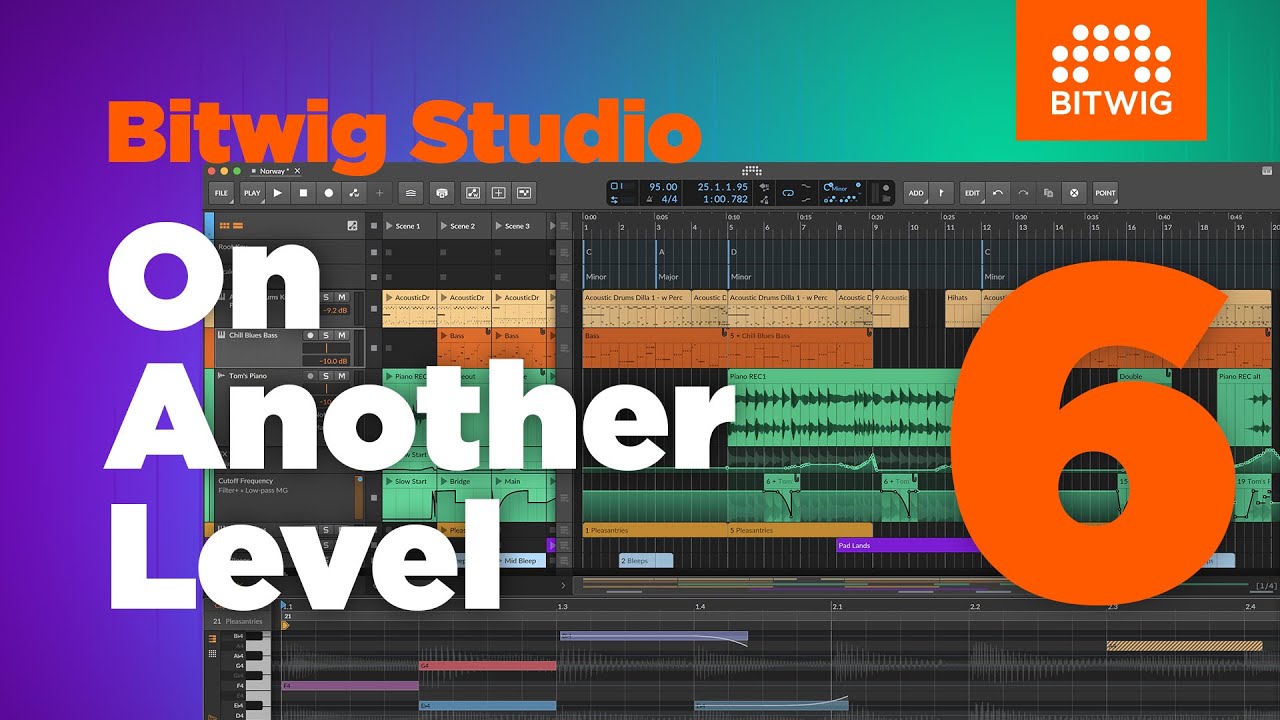
Hands-on demos
Bitwig
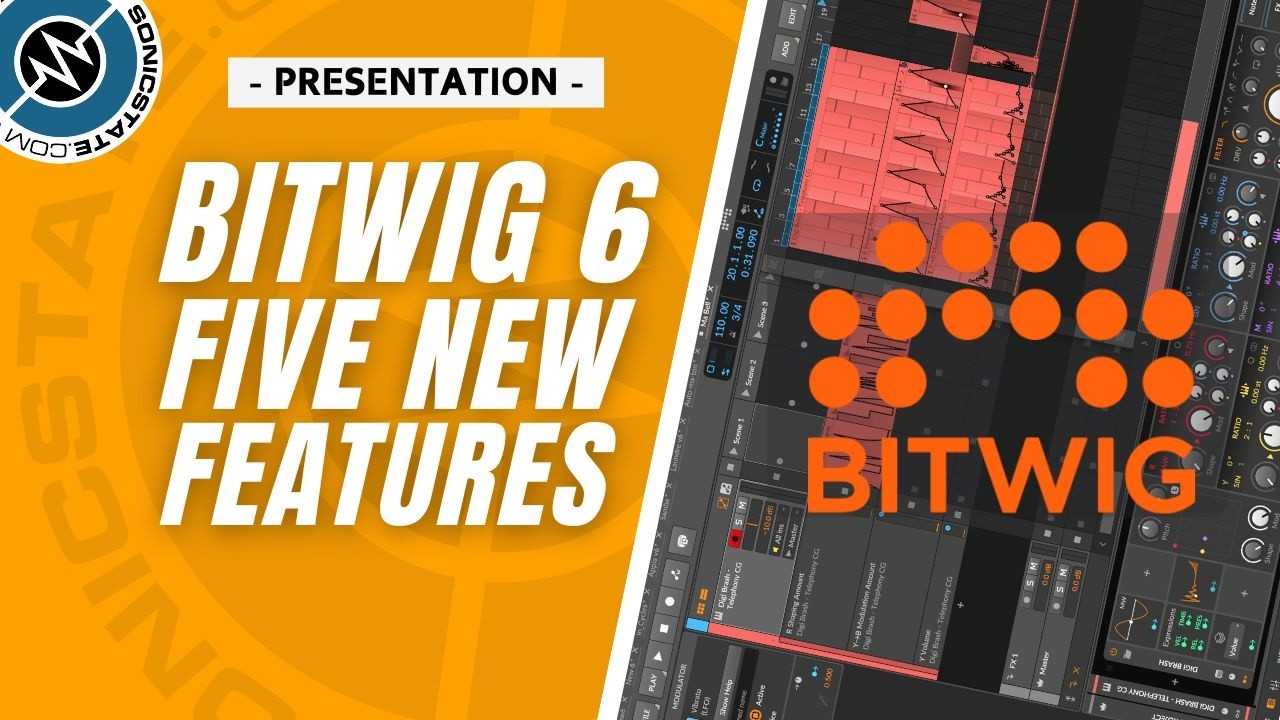
Sonicstate
Specifications
Price: |
Bitwig Studio Essential - $99/€99/£79 |
| Row 1 - Cell 0 | Bitwig Studio Producer - $199/€199/£169 |
| Row 2 - Cell 0 | Bitwig Studio (Full) - $399/€399/£339 |
Specifications: |
(MAC) macOS 10.15 (Catalina) or later 64-bit Intel or Apple Silicon CPU |
| Row 4 - Cell 0 | (PC) Windows 10 or 11 (64‑bit) |
| Row 5 - Cell 0 | (LINUX) Ubuntu 22.04 or later, or any modern distribution with Flatpak installed |
| Row 6 - Cell 0 | Minimum 4GB RAM. |
| Row 7 - Cell 0 | Minimum 12GB free disk space (for full content installation) |