





MusicRadar Verdict
The amount of flexibility on offer with the Yamaha URX44V is really incredible, with it meeting the needs of music-makers and content creators alike. It’s got bags of connectivity, and the touch screen makes for a tactile experience that lets you quite literally get hands on with your sound sources. For more advanced producers, podcasters, and streamers, the URX44V could be just the upgrade your home studio needs.
Reasons to buy
- +
Touch screen makes control feel very immediate.
- +
Offers enough functionality to cater to any music-maker or content creator.
- +
Video connectivity is a boon for composers and sound designers.
- +
Great sounding preamps and plenty of clean gain.
Reasons to avoid
- -
Takes some time to get it properly set up.
- -
This version is probably overkill for most music makers.
MusicRadar's got your back Our team of expert musicians and producers spends hours testing products to help you choose the best music-making gear for you. Find out more about how we test.
What is it?

Yamaha isn’t necessarily the first name you think of when it comes to audio interfaces, with previous iterations of the company’s hardware usually coming out under the ‘Steinberg’ moniker. That might well change with the release of the Yamaha URX44V, which is very much a modern audio interface looking to make a play against bigger names in the space from Universal Audio, Audient, Focusrite, and others.
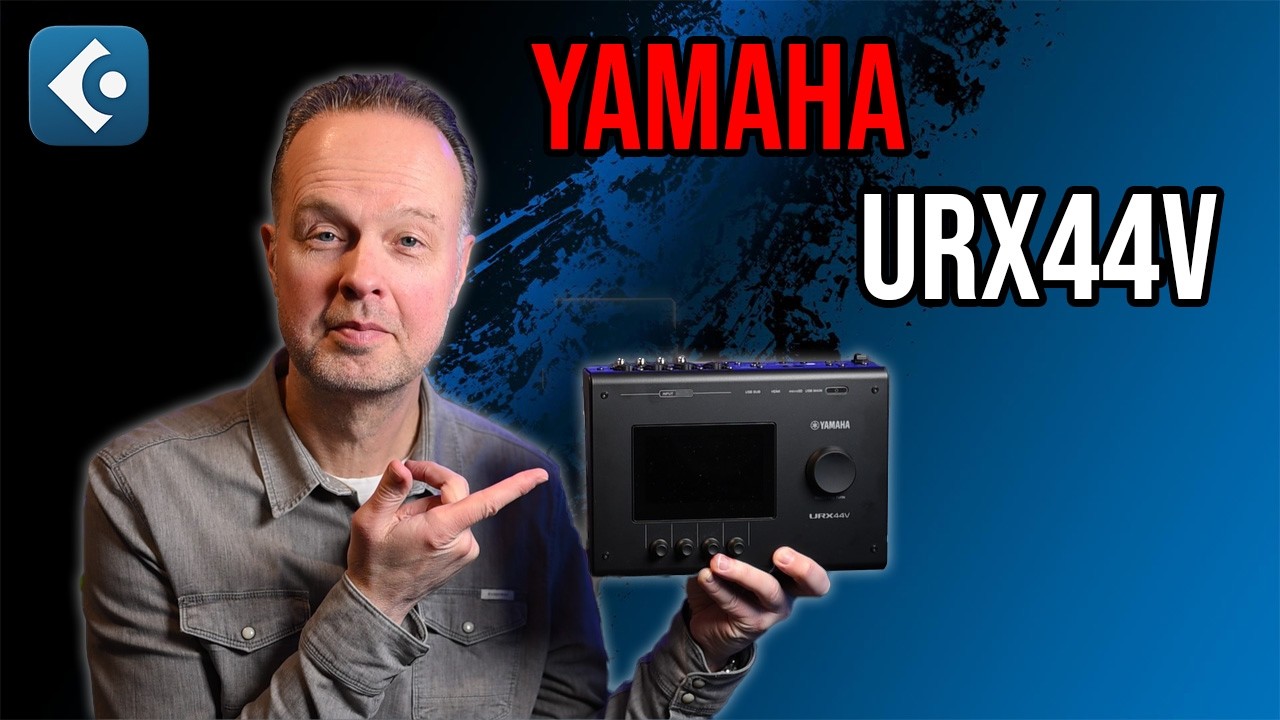
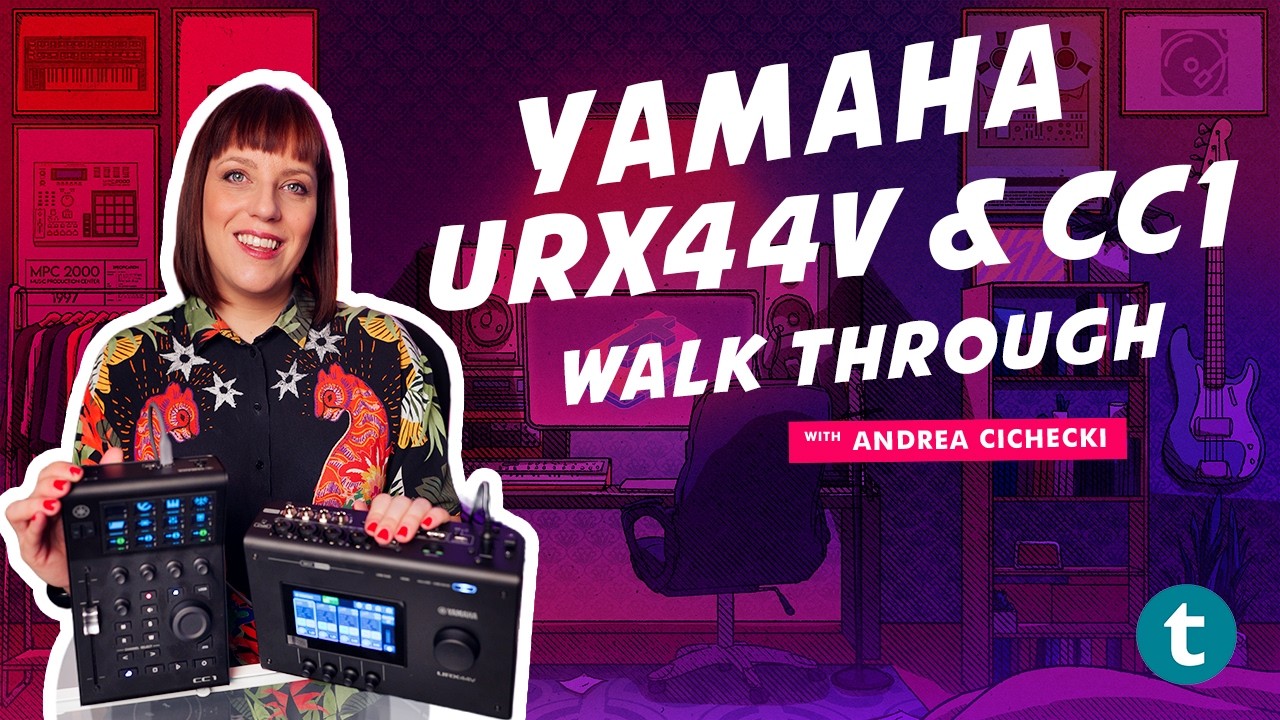
The URX44V features four mic preamps, two line outputs, and two main outputs for your studio monitors. It’s got a main USB-C connection for hooking up to a laptop or PC, a microSD card slot that can handle 16-channels of audio, as well as a USB-C sub that allows you to connect an external device like a smartphone or tablet. For content creators, it also has two HDMI ports with an input and a thru that are capable of directly taking a camera or capturing another device like a games console.

It’s not the usual lineup I’d expect to see on an audio interface, and for those who don’t need the extra connectivity, it also comes in a 2-channel and 4-channel version sans any video connectivity. The front panel features two headphone outputs, a connection for a headset, and an additional 1/8-inch aux input.
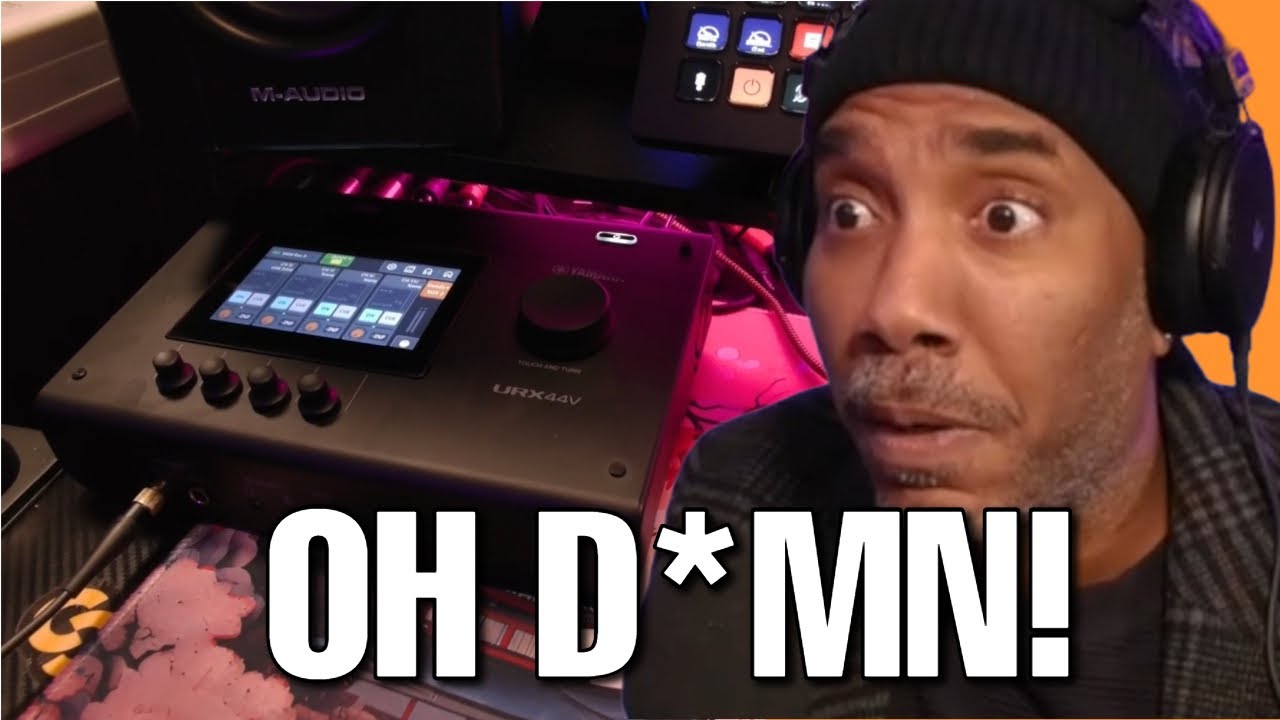
A 4.3-inch, full colour touchscreen dominates the top panel of the URX44V, alongside a master encoder. Beneath the screen are four endless encoders that control various parameters depending on what’s displayed on the screen. With these encoders, you can control DSP effects on the inputs like gates, compression, EQ, reverb, amp sims, and a voice changer.
Performance

Unboxing the URX44V and plugging it into my MacBook Pro M3, I initially struggle to get it to output sound, which is a first for me when using an audio interface. After updating the firmware and diving into the manual, I navigate through the onboard ‘wizard’ for setting it up for DAW recording, and then I’m able to get it to work with Pro Tools. You can save a bunch of these ‘scenes’ to the hardware for use in varying scenarios, whether you’ve got a streaming setup or you’re just recording your latest song.
Straight away, I’m pretty enamoured with the touchscreen. It’s a first for me on an audio interface, but it’s a very unique way of interacting with this particular type of music gear. In the setup process, I set up a scene that featured a direct input for my guitar, a DI from a Mesa/Boogie amplifier, and an input for a dynamic mic and a condenser microphone.
It gives you a lot of possibilities, no matter what your particular setup is, and the ability to save multiples will make it very useful for those who jump between different roles, so whether you’re a podcaster, streaming video games, or composing for video, the URX44V can act as your hub for all of your inputs and devices.

We’re a music-making site here, however, so I’ll focus on what we do best. Running the Mesa/Boogie amp into Pro Tools, I start by using the auto gain function to get it to set the levels for me, something I admittedly wouldn’t usually do. The feature asks me to play for a bit, so I hammer away at some spiky chords to ensure it catches the hardest transients, and set about playing with the level set, which it does so admirably.
It was about this time that the interface randomly switched itself off, which was surprising as it happened while I was playing. Booting it back up, I dive into the menu and disable the auto-power off, slightly miffed that it interrupted my session. The ability to shape the sound on the way in is something I do a lot in the studio, so having this at my fingertips in the home environment is a really cool addition.

The fact that it’s accessed via the interface itself rather than via plugins also gives it a bit more of a hardware feel that you’d get in a ‘proper’ studio. Pressing buttons and turning knobs, getting away from the mouse and keyboard, makes for a much more fun workflow, which made me more willing to jump into sculpting the sound on the way in versus dragging and dropping plugins onto the signal path.
Despite its myriad connectivity, I did find myself wishing it had an instrument input on the front like the vast majority of other interfaces in this price bracket. It’s something I’ve gotten quite used to from the interfaces I’ve reviewed. It’s not a deal breaker, but if you’re mainly recording at home, you might find yourself missing this.
Verdict

While I rarely use any reverb or gating on the way in, I found the EQ and compressor to be really powerful additions to my workflow while using the URX44V. Carving your sound on the way in is excellent for your overall workflow, and the hands-on feel this interface offers is really intuitive. Although I’m primarily a music-maker, I can appreciate that the ability to save multiple scenes for content creation, podcasting, and other creative endeavours makes it a very powerful interface indeed.
This particular version is probably a bit too much for the majority of music makers, who would be much better off with the URX22 or URX44, and the lack of an instrument input on the front feels like a miss to me as a guitarist. The fact that you need to set it up with a particular scene in order for it to work properly could also throw those who are newer to interfaces, so I’d appreciate it if this were made clearer in the manual.
MusicRadar verdict: The amount of flexibility on offer with the Yamaha URX44V is really incredible, with it meeting the needs of music-makers and content creators alike. It’s got bags of connectivity, and the touch screen makes for a tactile experience that lets you quite literally get hands on with your sound sources. For more advanced producers, podcasters, and streamers, the URX44V could be just the upgrade your home studio needs.
Hands on videos
Alternatives
Specifications
Launch price |
£659 | $799.99 | €749 |
Key features: |
Connectivity: USB-C Form Factor: Desktop Simultaneous I/O: 6 x 4 Number of Preamps: 4 Phantom Power: Yes A/D Resolution: Up to 32-bit/192kHz Analog Inputs: 4 x XLR-1/4" Combo, 2 x 1/8" Analog Outputs: 4 x 1/4" Digital Inputs: N/A Digital Outputs: N/A Headphones: 2 x 1/4" MIDI: N/A USB: 2 x USB-C Clock I/O: N/A Power: DC16 V/2.4 A, PA-300C AC power adapter (100 V-240 V, 50 Hz/60 Hz) |
Dimensions: |
245 x 78 x 182mm (9.6 x 3.1 x 7.2") |
Weight: |
2.0 kg (4.4 lbs) |
Contact |
