
MusicRadar Verdict
The NT-USB+ is a grown-up USB mic that rewards proper placement with a clean, present vocal and genuinely useful monitoring. If you want an easy desk setup that still behaves like studio gear, it’s a safe buy.
Pros
- +
Easy to use without compromising quality
- +
Direct monitoring is genuinely useful
- +
Cross pollination with other devices
Cons
- -
Single pickup pattern reduces versatility
- -
Inherent problems with USB ‘hiss’ through headphone out
MusicRadar's got your back Our team of expert musicians and producers spends hours testing products to help you choose the best music-making gear for you. Find out more about how we test.
Rode NT-USB+: What is it?
In a world filled with decent quality, low-cost USB microphones, brands have to generally pick a feature or lean on their reputation in order to stand out. Some can do both, like Rode, but how does the Rode NT-USB+ stand out right now, some four years after its launch, when there’s just so much competition? Let’s take a look.
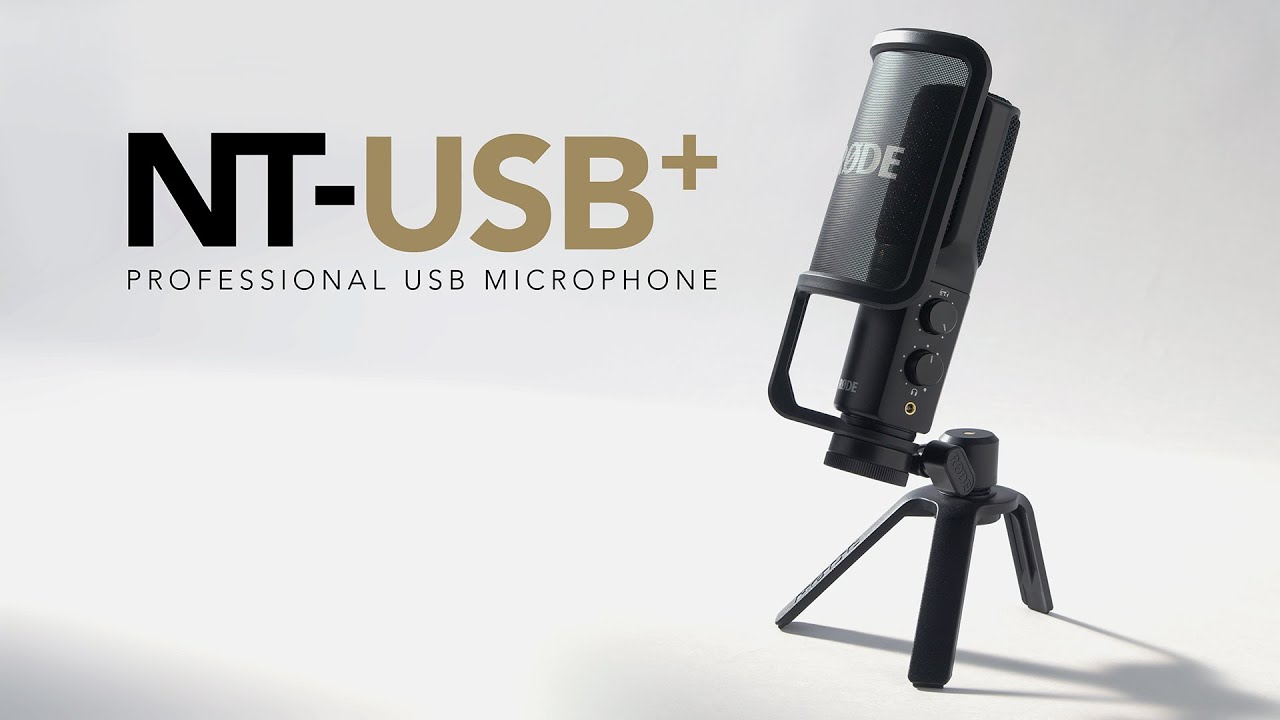
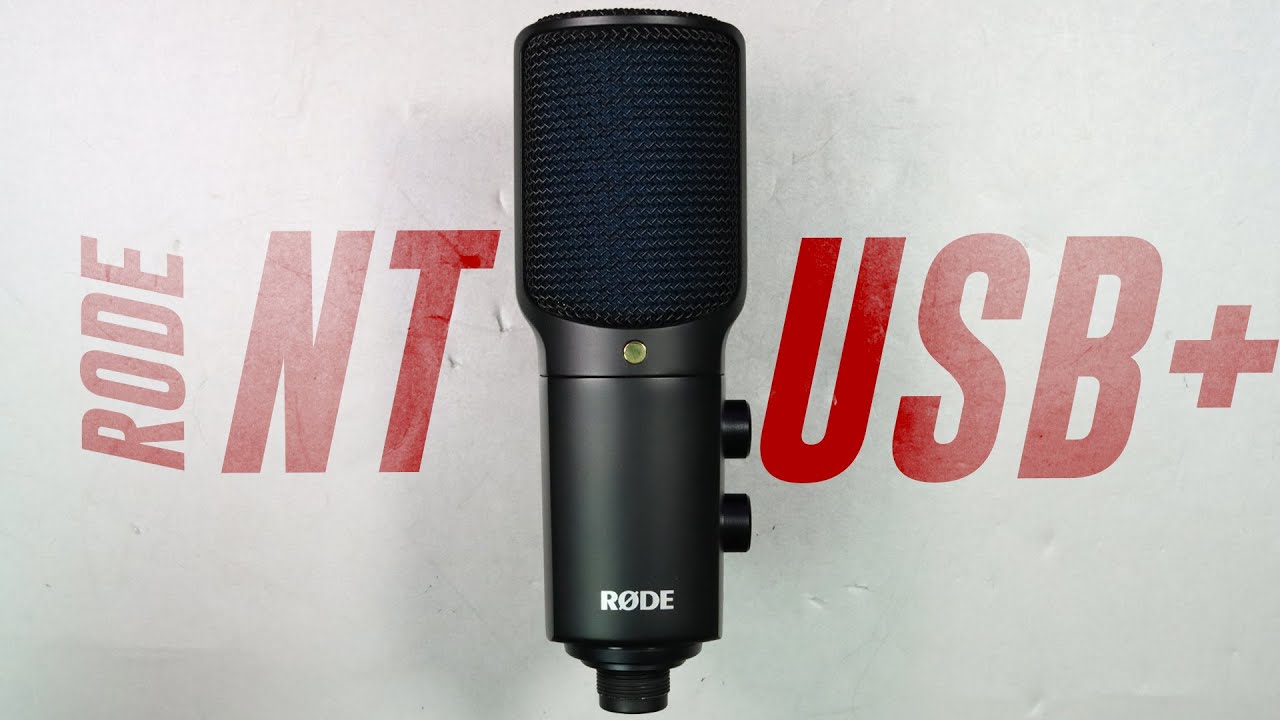
Essentially, the Rode NT-USB+ is the superpowered upgrade to the venerable NT-USB, bringing onboard monitoring, an enhanced preamp and DSP magic to help users get better results with less effort. It’s built for the reality of home recording - one mic, one cable, and you’re ready to record, stream or chat without any of the hassle associated with audio interfaces, XLR cables and the like. It connects via USB-C, runs class compliant on computers and most mobile devices, and records at 24-bit/48kHz.
Rode’s philosophy is simple. It takes the simplicity of a standard USB mic and, using onboard wizardry, opens the door to quality and performance levels more normally associated with a higher class of equipment. Of course, some of this additional innovation requires an app to unlock, but that isn’t unusual these days.
To test the Rode NT-USB+, I tried to treat it like a real purchase, not a showroom demo. It lived on my very messy desk, next to my laptop, and slightly off centre from a large monitor with nearfield monitor speakers to the sides. Tests involved recording voiceover takes, the occasional sung vocal line (much to my family’s dismay), Teams calls and a couple of quick takes with the trusty acoustic guitar by my desk. Monitoring was handled by the onboard headphone out - more on that later.
Rode NT-USB+: Performance

The first thing experienced USB mic users listen for is noise - that annoying hum you hear when the gain is raised - and thankfully the NT-USB+ is reassuringly quiet in a normal gain range. Often you only notice once you start compressing or stacking takes, but here the baseline cleanliness is enough that I could do a spoken take, add gentle compression in the DAW, and not immediately regret it. That alone makes it feel like Rode spent the money where it counts, namely the preamp and conversion, rather than bolting on eye-catching features that look good on a box. RGB lighting anyone?
Tone-wise, it lands in a sensible place for content and music. On speech, it has that present, articulate midrange that makes diction easy without sounding overly hyped. This may or may not be a good thing for you - some producers actively seek out mics that have a colour or flavour of their own, and the Rode on test here just isn’t that mic. That said, there’s plenty that can be done once your takes have been recorded, and a good, clean take is always preferable to one that requires lots of work afterwards.
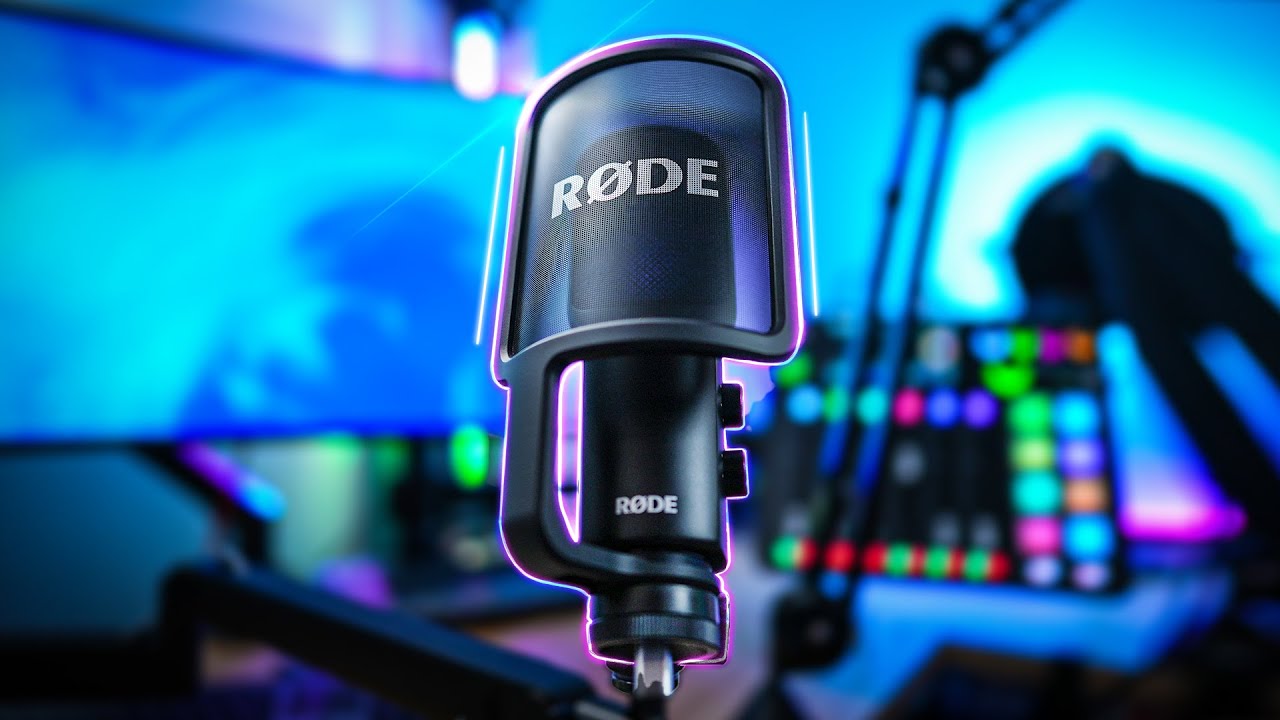
On sung vocals it stayed composed as long as I did the usual home-studio discipline: capsule slightly off-axis, pop filter on, and distance close enough that I could keep the gain at a sensible level. Rode even calls out the pop filter as part of the intended workflow, and despite looking a little plasticky, it is not just filler in the box. I found it genuinely helped tame those nasty plosives when I was working close, which is where cardioid condensers shine.
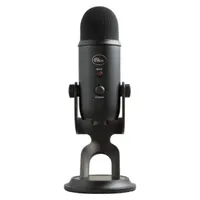
That cardioid-only approach is also part of why it can outperform the usual “everything mic” competition. A Blue Yeti, for example, gives you multiple patterns, but I’d bet most buyers leave it in cardioid anyway, and the extra capsule geometry can make placement more fiddly. The NT-USB+ asks you to commit to one pattern and then rewards you with straightforward positioning. In my desk setup, turning the mic a touch away from the keyboard reduced key noise more predictably than leaving the mic square-on and trying to fix it later. It still hears your room because it is a condenser, therefore sensitive to any and all sounds, but it makes it easier to keep the recording focused.
Monitoring is where this mic starts feeling like a tool rather than a toy
Monitoring is where this mic starts feeling like a tool rather than a toy. The headphone output is powerful enough to be practical, and the mix control is great. Being able to blend direct mic with computer playback means you can track without the slapback latency that kills confidence, especially on vocal phrasing. When I ran a vocal over a busy instrumental, I could keep the direct signal prominent for timing, then bring the DAW return up just enough to stay musical.
The other big differentiator here is DSP that lives with the microphone. Through Rode Connect, Central or Reporter you can enable a high-pass filter, compressor, noise gate and APHEX sweetening, and those settings can be saved so they travel with you when you move the mic between devices. That is useful if your workflow involves a DAW on the desktop, a laptop for calls, and a phone for… phone things. I tested this by dialing in a simple speech chain, unplugging, and then recording a short take on a second machine. The same processing was there, which makes the mic feel consistent across your workflow. Nice touch!
There are some quirks to report. One recurring theme I found when researching how other users had got on is noise that appears only in the headphone output, not in the recorded signal. In my case, I could provoke a faint hiss by cranking the headphone level higher than I would ever use, and it reminded me that onboard headphone amps are inherently sensitive to USB power and grounding. Other users describe constant hiss or static in the headphone jack regardless of knob position, with recordings staying clean, which points to monitoring circuitry and power conditions rather than the capsule itself. If you hit this, it is worth trying a different USB port, avoiding an unpowered hub, and testing with a second computer before you assume the mic is faulty. It can be annoying, but your takes will generally be fine.

Another practical quirk is that the NT-USB+ will expose how desk mounted your desk mounted mic setup really is. If the stand is sitting on the same surface as your keyboard, you may hear thumps and taps more than you expect, especially if you are used to a mic with a chunky base, like the Yeti. In my setup, sliding the stand onto a small foam pad I had been using to isolate a monitor speaker reduced low bumps immediately, and moving the keyboard slightly further away did more than any noise gate. This is not a flaw so much as the reality of a sensitive condenser placed in a busy desk environment. Nobody has cracked the code yet, so it’s harsh to criticise Rode here.
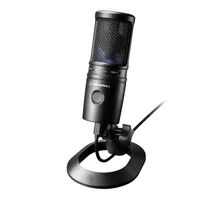
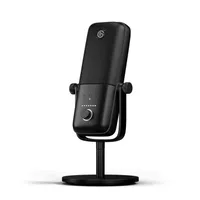
Competition-wise, against the Blue Yeti, I definitely felt like the Rode is more purpose-built for a single person workflow, and the DSP plus saved settings are a real advantage if you move between apps and devices. Against an Audio-Technica AT2020USB-X, the AT gives you higher sample-rate options up to 96kHz and a slick touch-mute, but it does not offer the same APHEX-style onboard processing ecosystem. Against an Elgato Wave:3, Elgato’s Clipguard concept is excellent for people who get unexpectedly loud, but the Rode’s broader approach, using DSP, makes more sense for hybrid music and content users.
My overall take from the home-studio test is that the NT-USB+ is strongest when you treat it like a proper microphone. Get it close, use the included pop filter, monitor directly, and either keep it clean or use the onboard processing gently. Do that, and it delivers a polished result with less hassle than most desk USB mics at this level.
Rode NT-USB+: Final verdict

The Rode NT-USB+ is the rare desktop USB microphone that feels comfortable in a music workflow, not just a streaming one. It gives you the basics you actually use, namely a cardioid condenser capsule, solid conversion at 24-bit/48kHz, proper direct monitoring, and the kind of gain structure that does not force you into extreme settings just to get a healthy level. If you are recording vocals, voiceover, acoustic guitar scratch parts, or regular online calls, it sounds clean and present with minimal effort, and it responds well to sensible placement.
The reason it earns a stronger recommendation than many of the other desk mics I’ve tested is the ecosystem around it. The onboard DSP is not just marketing buzz-speak. Being able to add a high-pass filter, dynamics control, and tasteful enhancement, inside the mic, can save time when you need a consistent broadcast-ready tone across different apps. The fact you can save those settings to the microphone itself matters in real life, especially if you bounce between a DAW, streaming software, and mobile recording.
There are two caveats I would mention to anyone coming from a Blue Yeti or similar. First, you lose multi-pattern flexibility. If you regularly record two people around one mic, or you genuinely use omni for room capture, the Yeti’s pattern switch still has value. Second, pay attention to monitoring behavior. You may experience hiss or static in the headphone output that does not show up in recordings, and while it can be down to power, ports, hubs, or grounding, it is something you should test early within your return window. Or make peace with the fact this is a common occurrence with USB microphones.
If, however, your main goal is one-person vocal capture on a desk with a clean signal, easy monitoring, and a sensible path to a finished sound, the NT-USB+ is one of the most rounded choices in its bracket. It does not try to be everything. It tries to be the one USB mic you stop thinking about once you take it out the box.
Rode NT-USB+: Alternatives
Rode NT-USB+: Hands-on demos
Rode
Tom Buck
Podcastage
Rode NT-USB+: Specifications
Type: |
USB condenser |
Polar pattern: |
Cardioid |
Frequency response: |
20Hz – 20kHz |
A/D conversion: |
24-bit/48kHz |
Dynamic range: |
97dB |
Max SPL: |
118dB |
Onboard processing: |
High-pass filter, compressor, noise gate, APHEX processing via Rode apps |
Contact: |
