


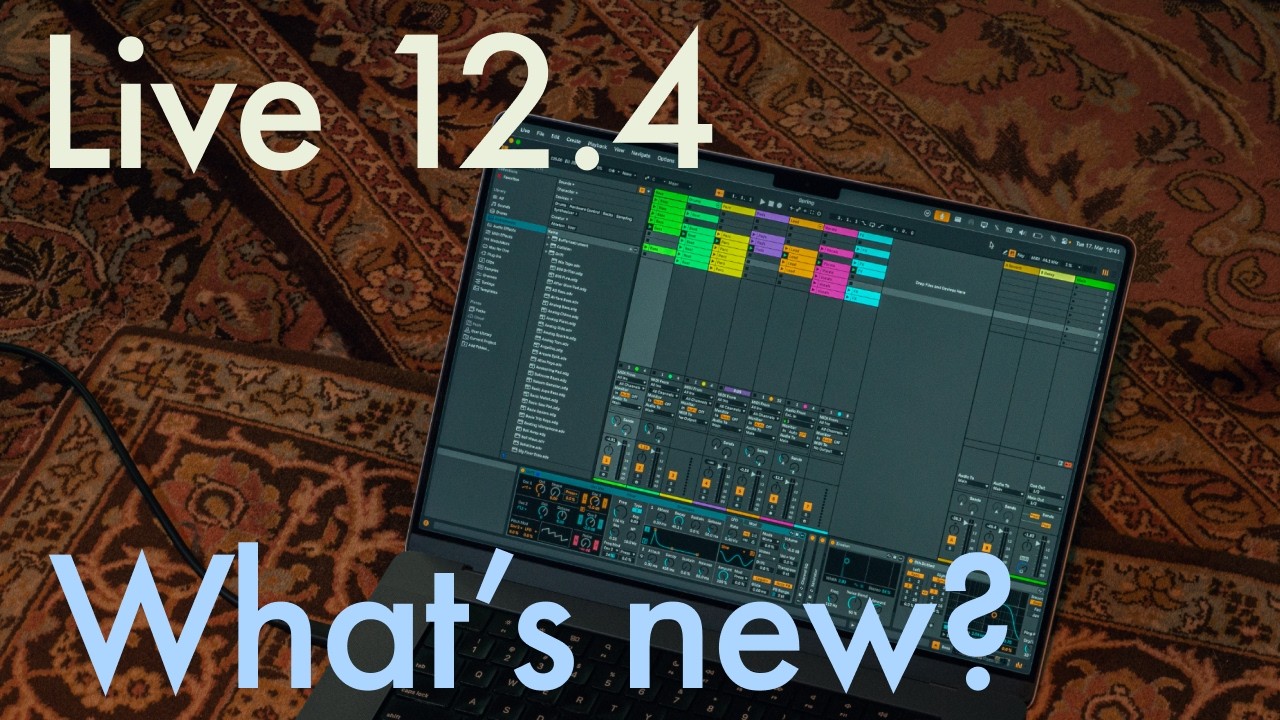
After entering public beta back in February, Ableton has officially released Live 12.4, bringing wireless audio streaming, updated audio effects, improved stem separation and a new educational Learn View to the company's flagship DAW. Live 12.4 is a free update for all owners of Live 12.
Introduced in 2016, Ableton Link is a feature that allows music-makers using Live and Link-compatible hardware and software to link up their devices over a local network for hassle-free, tempo-synchronised jamming and collaboration. Live 12.4 sees the launch of Link Audio, enabling users to stream multi-channel audio between Link Audio-equipped devices over a local network in real time.
Enable Link Audio on multiple machines running Live, a mobile device running Note, or on a Move or standalone Push, and audio from those connected devices will appear as an input in Live, making it quick and easy to monitor, sample and record with automatic latency compensation and no cables in sight. (On both Live and Push, it’s possible to send and receive audio, but with Move and Note you can send but not receive audio via Link Audio.)
This is an immensely useful upgrade to Link that should make life a whole lot easier for producers that incorporate multiple Ableton devices into their workflow, or collaborators working across several Live-equipped machines.
Live 12.4 updates three audio effects: Erosion, Chorus-Ensemble and Delay. An oldie but a goodie, Erosion introduces a lo-fi character to a signal by modulating a brief delay with filtered noise or a sine wave, producing a bitcrusher-like effect. 12.4 ushers in a new version of Erosion that expands its sound design capabilities by allowing for a continuous blend between sine and noise modulation and offering fine-grained control over stereo width; it’s now equipped with a spectrum visualiser too.
Delay’s modulation capabilities have been given a boost with a new LFO section, updated with additional time modes, LFO shapes and waveform shaping via the Morph control. Chorus-Ensemble has been updated with two new parameters that open up access to a wider palette of chorus effects: Time lets you set a fixed delay time and Taps gives you the option to switch to a one-tap delay (Chorus-Ensemble previously used a two-tap by default) reminiscent of vintage pedals.

Live 12.4 also brings a handful of improvements to the stem separation feature introduced with Live 12.3 last year. It’s now possible to highlight a portion of an audio clip in Live’s Arrangement View and separate only that selection, which will be useful for quickly isolating specific moments within a track without having to create a new clip. What’s more, separated stems can now be merged into a single audio file, making it easier to strip vocals out of a mix and leave the instrumental intact, for example.

Also new in Live 12.4 is Learn View, a “redesigned learning experience” that replaces the existing Help View, designed to make it easier for beginners to educate themselves on Live’s interface and key features.
Combining short instructional videos with written explanations, Learn View allows you to view tutorials in a floating picture-in-picture window within Live, filtering lessons by topic and ticking them off as they’re completed to track your progress. Only a handful of video lessons are currently available, but Ableton says new modules will continue to be added as time goes on.
Ableton Live 12.4 is out now. Head over to Ableton's website for more info.
