


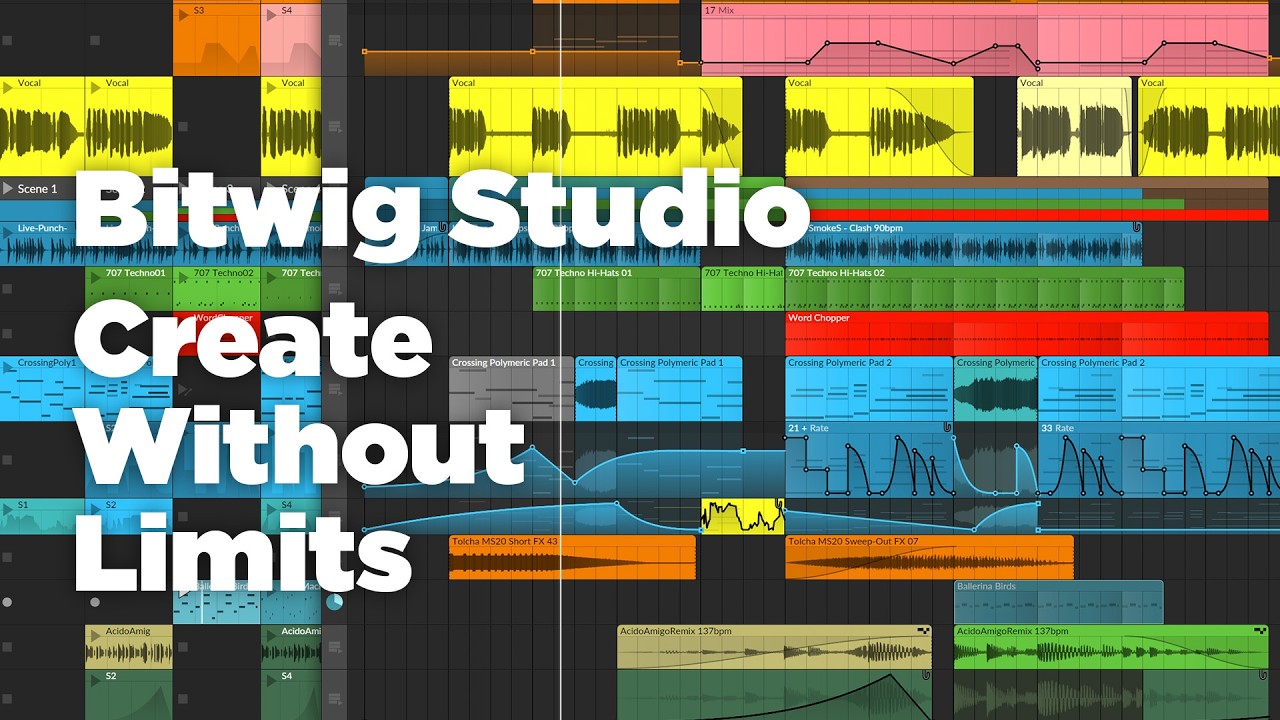
After launching Bitwig Studio 6 in beta last year, Bitwig has officially released the next major update to its flagship DAW, delivering an array of improvements to the software's interface and workflow, along with an overhaul of automation editing, a new Clip Alias feature, project-wide key signature support, and much more.
The headline here is the Bitwig Studio 6's fresh approach to automation editing, which completely reworks the way that automation is handled within the DAW.
Bitwig Studio 6 introduces a dedicated Automation Mode that overlays every track on the timeline with a dedicated automation lane for the most recently-tweaked parameter. The Detail Editor Panel now provides access to all of the automation on any given track, replacing the standalone Automation Editor Panel.
A trio of improved gestures make editing quicker and more intuitive, while new automation behaviors open up additional creative possibilities. The Spread feature applies a randomized value within a chosen range to individual automation points on each pass, while the Hold option tells a point to remain at a flat value until the next one is reached.
These are complemented by an upgraded algorithm that translates automation drawn with the Pencil tool into smooth and easily editable curves.

Bitwig Studio 6 also introduces Automation Clips, which store automation data in a self-contained format. This makes it possible to access the same clip features as Audio and Note Clips – such as stretching, looping and setting independent start times – and Automation Clips can even be saved to Bitwig's library to be used in other projects.
Bitwig's latest update also brings with it a long-requested feature that streamlines the arrangement process and addresses one of the software's most common workflow gripes: Clip Aliases.
These are specialized duplicates of a Clip that share the same content, or Pattern – when one clip is edited, all clips sharing that Pattern across the Project are updated accordingly. Clip Aliases can be deployed in both the Clip Launcher and Arranger, and can be created for Audio, Note and Automation Clips.
Another useful new feature in Bitwig Studio 6 is project-wide key signature awareness, which opens up a variety of creative avenues for working within scales and keys.
A project's key signature can now be selected alongside tempo and time signature in the Transport section. Users are able to choose between 23 scales for any root note, including modes and blues scales, along with traditional major and minor scales. Key signature can also be automated or even modulated using Project Modulators, offering tons of potential for tonal experimentation.

Scales are now visible when editing notes in the Piano Roll, and existing notes can be quantized to sit within the relevant scale or snapped to a chosen scale when drawn in. Six Note FX devices have been updated to work in tandem with Bitwig's new scale awareness, including the Key Filter device, a note transposition device that filters incoming notes to match a particular scale or key, alongside Arpeggiator, Randomize and more.
Bitwig's visual interface has also received a refresh, with the aim of making it more customizable and efficient to use. Editing tools are now accessible from a slim window on the right-hand side, including three new tools: Audition, Spray Can and Step Input.
Audition does what it says on the tin, enabling you to preview any track or clip individually with a single click. Spray Can sprays a row of notes or automation points at the currently selected beat interval, while Step Input lets you enter notes in the Piano Roll via MIDI input without hitting record.
Bitwig Studio 6 is a comprehensive update that makes this already capable DAW even more powerful
Bitwig Studio 6 is a comprehensive update that makes this already capable DAW even more powerful, bringing users a bundle of long-requested features that promise to enhance workflows by making composition and arrangement faster and more intuitive.
Though Bitwig has a reputation as a forward-thinking DAW geared towards electronic music-makers, this update should broaden its appeal for a more conventional audience, focusing primarily on core DAW functionality rather than flashy new devices and modules, and making Bitwig Studio an even stronger rival to more established players like Ableton Live and Logic Pro.
Bitwig Studio 6 is available now for Bitwig Studio, Producer, Essentials, and 8-Track users. It's a free upgrade for all customers with an active Upgrade Plan as of August 27, 2025.
