





MusicRadar Verdict
Absynth makes a spectacular, unexpected comeback and goes straight for the modern sound designer’s heart. If you loved the classic sonics of Absynth but found it difficult to get your head around, you’ll smile broadly at the ease with which you can land on astonishing results with v6.
Reasons to buy
- +
Incredible ground-up redesign of Absynth, albeit still maintaining the creative USPs that made it so iconic.
- +
Fantastic preset browser that you can navigate like a virtual ever-explorable galaxy.
- +
More intricate waveform editor and deeper modulation capabilities.
- +
MPE and poly-aftertouch support encourage even further connectivity with the sounds on offer.
Reasons to avoid
- -
A few crashes with our beta version, but besides that – there’s nothing to complain about here.
MusicRadar's got your back Our team of expert musicians and producers spends hours testing products to help you choose the best music-making gear for you. Find out more about how we test.
What is it?
Remember Native Instruments’ groundbreaking Absynth? Of course you do – it’s the semi-modular soft synth that pioneered many of the now-standardised ideas that we take as read within the world of computer-based synthesis.
Famed for its ability to ‘mutate’ sounds in unpredictable ways, Absynth – after years of neglect – was sadly put out to pasture a few years back, with its fifth version being quietly sunsetted by Native Instruments in 2022.
It left a hell of a mark though. Subsequent synths took their cues from Absynth’s semi-modular architecture and sound design-focused ethos. But, there was always something distinctly special about the calibre of sounds you could bring out of Absynth.
This was partially down to the extremely versatile routing and modulation system, wherein a few tweaks here and there could make you feel like a ‘proper’ synth nerd, especially fumbling around its somewhat bewildering (and very green!) interface.
The legacy of Absynth’s unique qualities has culminated in this new iteration being born, overseen by the synth’s original designer – Rhizomatics’ Brian Clevinger.
“It's been a real emotional thing bringing this back,” Clevinger recently told us, “This is the best project I've ever worked on.”

Performance
So how does Absynth 6 improve on the original? First impressions are that it appears like a very different beast, though a peek under the glossy new hood reveals that, fundamentally, it’s more an expansion of the same philosophy defined by that multi-engined, envelope-based modulation of the 2001 OG. That being said, a raft of improvements and entirely new elements are also in play here.
There’s a much deeper, and ultra-modern, 68-point envelope system that allows you to add looping, breakpoint curves, time-synced transitions and shape-based LFOs to any sounds you land on. There’s also new support for MPE control and a dense granular sampler to explore here, but arguably the fundamental uplift that affects every aspect of Absynth 6 is the ground-up rebuild of the UI.
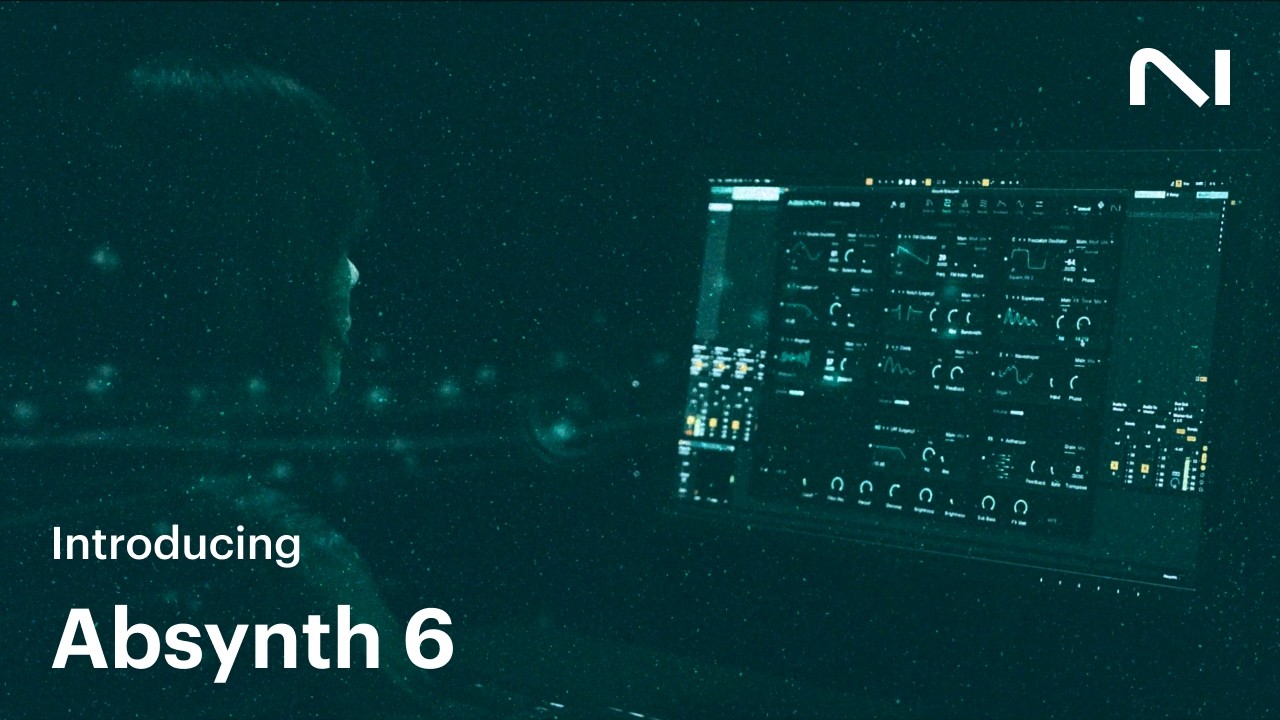
This creativity-stoking interface is a real departure from the often perplexing knob-and-text based navigation of the previous version. It still retains that characteristic absinthe-green colour scheme however, but deployed far more subtly.

Upon opening Absynth 6 as a VST or a standalone, users are thrust headlong into the Preset Explorer. This galaxy-size cluster of nodes can be navigated like a star-map, expanding and contracting depending on your selection. Links to other (colour-coded) presets are displayed visually based on sounds that feel similar.
You can switch between six further tabs, dedicated to control centres for the make-up of the patch, adding and removing effects, then there’s editing areas for Wave, Envelope, LFO and a page for assigning macros and inputs.
You can use a series of sliders to audition and – in true Absynth tradition – meld wider elements from other presets with your currently selected one seamlessly. There’s also a heap of updated old favourites from the sounds of Absynth 1 through 5, which can be introduced back to our mixes. It prompts us to ponder whether it’s worth revisiting some of those older Absynth-heavy projects we abandoned back when we were at Uni…

Beyond the conventional leads, pads, keys and string presets, are further presets housed under the Sound Effects category, with subcategories including such intriguing monikers as Metal, Nature and Big & Bad; then there’s the ultra-cool Multi-Track options, which – with some of Absynth’s trademark ‘mutation’ ability (which adjusts several parameters randomly on the fly) – can suddenly, unpredictably bolt lightyears away from their starting points.
In our exploration of this endless vortex of sounds, we struggled to come across a ‘naff’-sounding one, or in fact anything that we couldn’t imagine using in some context. This high bar is stressed by the fact that the respected likes of Kaitlyn Aurelia Smith, Richard Devine and synthesis pioneer Brian Eno himself were behind a great many of them.
Going back to the engine powering this selection-box of sonics, Absynth 6 allows three oscillator channels to interweave when building sounds, which can pull from nine sound sources that span the gamut of techniques, from virtual analogue, FM, ring mod and fractalize to granular and samples. Blending has been made far simpler by dent of the interface's redesign, which conveniently groups oscillators, filters and effects into more simpler-to-understand areas than its predecessor.
Absynth 6 can really go anywhere sonically. And really, the watchword we were left with when fitting it into our ongoing projects was ‘choice’.

Jumping between the various preset sounds amid this interstellar nebula depicted at the centre of the UI further instils the spirit of being a wanderer in an uncharted void – a veritable astronaut of sonic discovery. And this feeling isn’t just a surface level perception. These presets can be made entirely unique, undiscovered gems, in just seconds.
You can lock certain elements that make up your preset sound (say the oscillators or specific effects) while other foundational ingredients are mutated – this makes experimentation that little bit more secure.
You can roll back through your mutation history also, as well as fine-tune between particular aspects, scaling the randomisation and amount of mutation. It’s like being Captain Kirk, exploring an alien world but knowing that you can beam back up to your ship whenever things start to go wrong.
For the real shaping, those 68-point effect envelopes are extremely fun to manipulate and carve, to add subtlety to extreme dynamics.
It’s hard to tell whether it’s down to the more drag-and-drop-ready, breezy interface, or whether we’ve just got better at sound design in the long, grey-hair sprouting years since we last explored Absynth (it’s probably the former).
There’s the widened scope for performance and nuance, brought in by poly-aftertouch and MPE support, as well as eight surround formats supported. These aspects underline that, though Absynth may have once been at the forefront of soft synth design at the outset of the 21st century, this rebirth has muscled into the modern set’s domain without any fuss.
The experience of using the redesigned Absynth amounts to a renewed feeling of being able to really, intuitively zone into the instrument – one that seems conscious of your creative needs.
A slight bugbear is that the (beta) version we used to review Absynth 6 encountered a couple of mid-flow lock-ups. We’re hoping that’s just teething trouble at this stage, and not worth a score reduction.

Verdict
If you’d been missing Absynth and are perhaps concerned that this new, modern-looking iteration seems like an entirely different beast to the one you remember then let us reassure you now – this is very much the same Absynth. It’s just that your ‘way in’ to it is now very 2020s (arguably 2120s!) in terms of its innovative interface design.
Hands-on demos
Native Instruments
Alternatives
Specifications
Price |
$199 / £179 / €199 |
System requirements |
Mac/PC Apple Silicon/Intel and Windows VST3, AU and AAX or standalone app |
Contact |
