MusicRadar Verdict
For non-hardware users, it’s a pricey option, but if you want a huge amount of choice and flexibility in a self-contained unit, it’s hard to look past Line 6 Helix Stadium Native. The sheer number of amps and effects on offer make it one of the most complete guitar plugins out there, and the quality of sounds is such that you won’t be disappointed when it comes time to mix your recordings. The lack of a standalone version might put some users off, but if you’re already using a DAW, this could well be the amp simulator to rule them all.
Reasons to buy
- +
Staggering number of amp and effects models.
- +
Very intuitive to drag and drop blocks and change the signal chain.
- +
Focus view is a cool and useful addition.
- +
Lots of automation and sidechaining options.
- +
New Proxy Clones (captures) add even more sound choice.
Reasons to avoid
- -
No standalone as yet, only runs in a DAW.
- -
At full price, it’s a serious commitment for software.
MusicRadar's got your back Our team of expert musicians and producers spends hours testing products to help you choose the best music-making gear for you. Find out more about how we test.
What is it?
Having owned an HX Stomp for many years now and been a big user of Helix Native, I jumped at the opportunity to review the latest iteration of Line 6’s software offering in Helix Stadium Native. Arriving not too long after the hardware units, it promises some serious upgrades over the old one and, somewhat unusually for the world we live in, stays at the same price.
However, $/£399.99 is a lot to pay for software. Admittedly, I got the original for £99 as a Helix hardware user, and to be totally honest, I don’t think I’d have paid full price. It is often available at a discount, however, so if you’re willing to wait for a sale, then you can sometimes get it for half price. It’s definitely a steep entry point, although for some it will be worth it thanks to the huge number of amp and effects models included, and the regular updates the original received.
New to Helix Stadium Native is the ability to load Proxy Clones, Line 6’s version of amp and effects capture. It supports up to 48 clones per preset. Cab IRs now run at 32-bit float, and every cab block now has the option for dual sounds. You can place effects between linked amps and cabs, and sidechain dynamics and certain filter blocks.

The UI has had an upgrade with higher-resolution graphics, with a graphic control of mic placement and EQ, plus a graphic view of impulse response curves. You can now search the plugin for presets or blocks, DAW integration is improved with clear names in the automation lanes, and the tuner has been improved upon.
You can import your old presets from Helix Native, but they won’t go the other way. Ditto with trying to use presets from Stadium Native on non-Stadium hardware. The minimum requirements have also changed, with Stadium Native requiring 8GB of RAM and 1GB of hard drive space, where the previous version needed 4GB of RAM and just 100MB of disk space.
If you’re unsure about committing such a huge amount of cash, Line 6 offers an Intro version you can download for free. It’s got 5 Agoura amp models and 16 effects you can sample, as well as the ability to load four Proxy Clones per preset.
Specs

- Launch price: $399.99 ($99.99 upgrade for existing Helix Native and Stadium hardware users available)
- Type: Amp modeller and effects plugin.
- OS: macOS v14 Sonoma, 64-bit (Intel and Apple Silicon processor types are supported); Windows 11 64-bit
- Amps: 27 Agoura, 111 HX, 46 cabs
- Effects: 274
- System requirements: Intel i5 or M1 2.50GHz processor or higher, 8GB of RAM, 1GB of free disk space. An Internet connection is required for initial license authorisation and for using the 15-Day Trial version.
- Plugin Formats: On Mac, 64-bit AAX Native, Audio Units version 2 (AUv2), VST3. On Windows, 64-bit AAX Native or VST3. Available on up to 4 different computers.
- Contact: Line 6
Usability and features

Usability and features rating: ★★★★½
Installing Helix Stadium Native on my laptop is a breeze. I activate it via the code on the Line 6 site, download the software, and follow the installation process. I then head to my DAW of choice, Pro Tools, sign in, and I’m ready to go immediately. It pops into my plugin folder under ‘Instruments’ alongside my previous version of the software; no need to search for the raw files and put them in the correct folder.
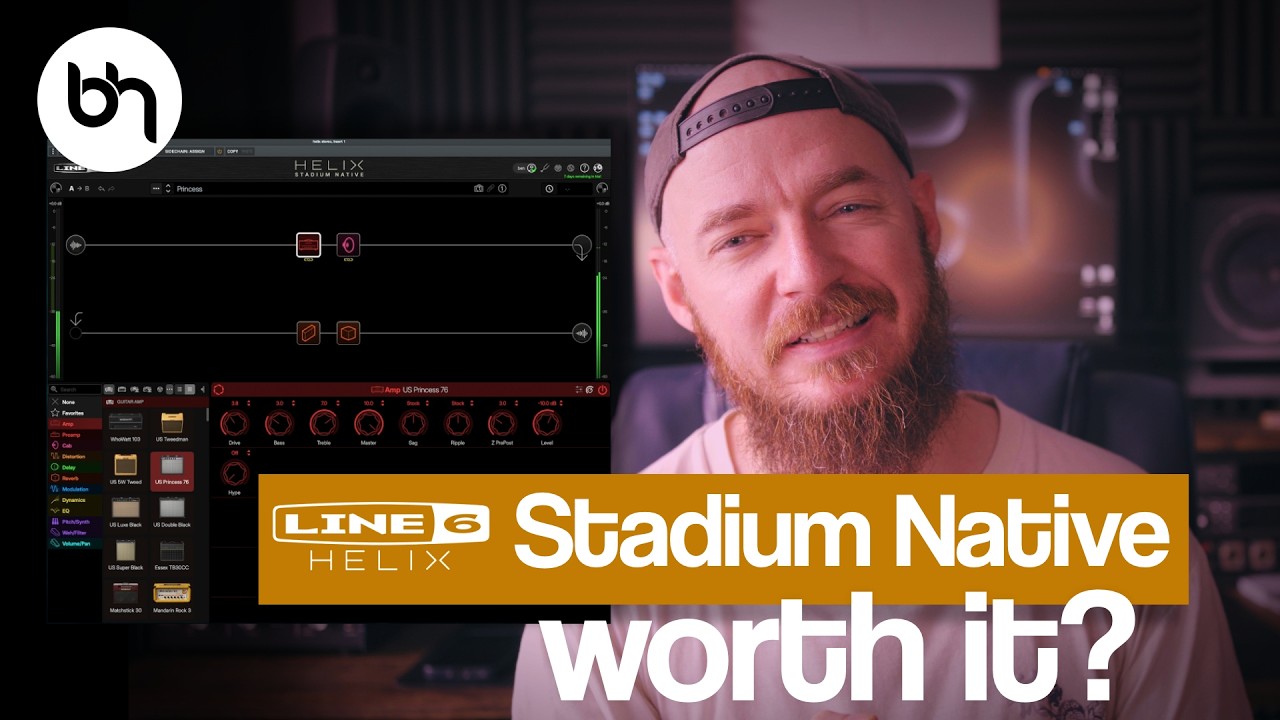
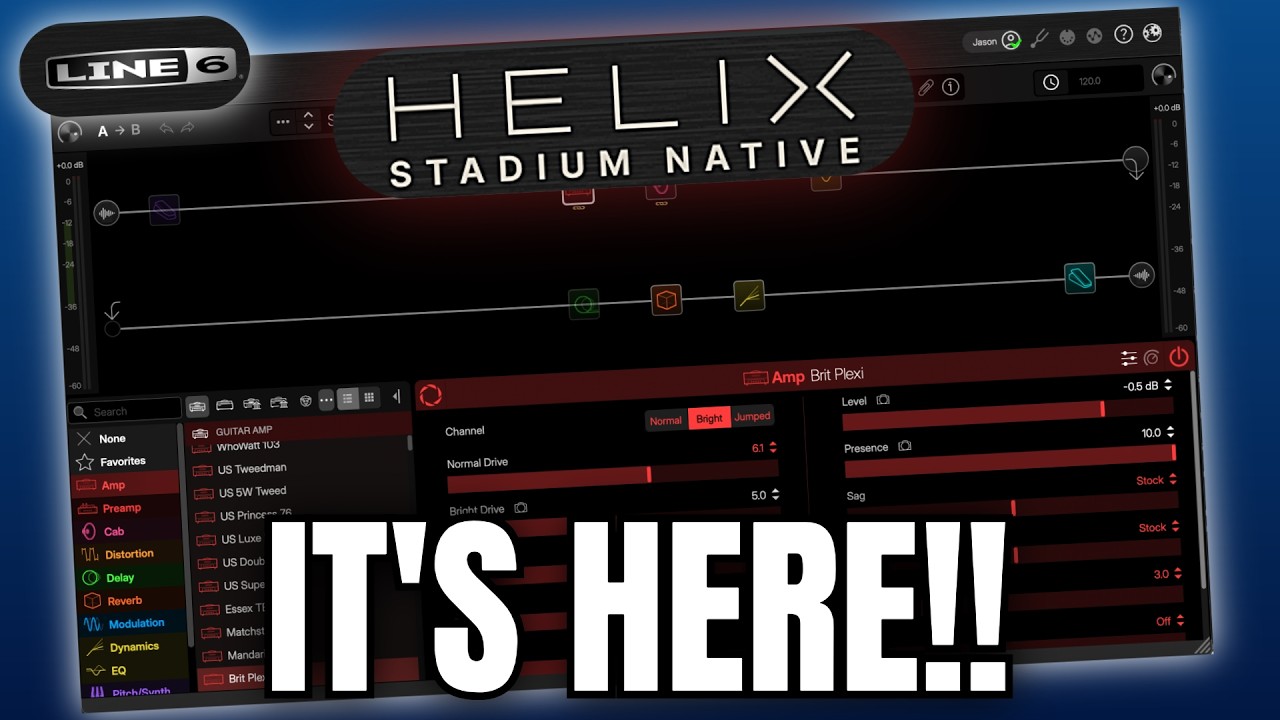
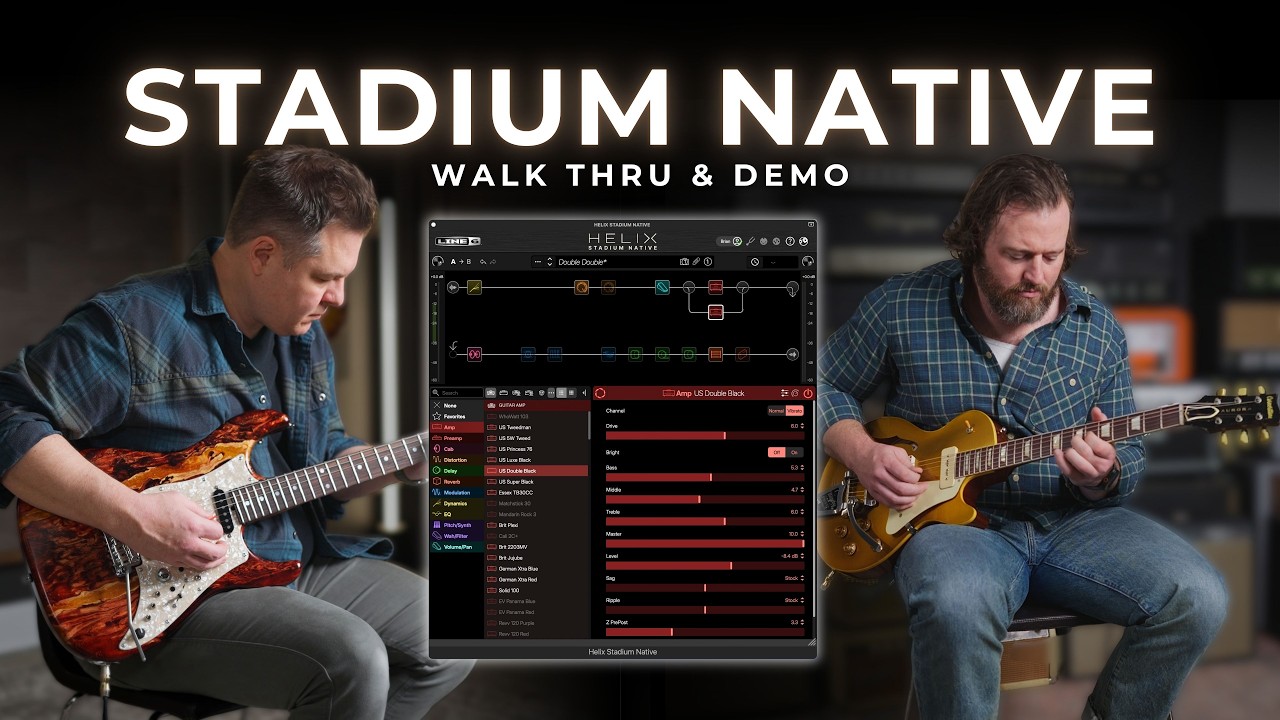
I plug a HSS Sire S-type into my audio interface, set my levels, load an instance of the plugin on a stereo channel, and I get a sound immediately. So far, so good. It looks remarkably similar to the previous version, but everything is much higher definition. It’s a noticeable change, with sharper blocks and bolder text, but overall it looks very similar, and I’ve got no issues getting stuck into moving things around the signal path.
The window is resizable, which is good as there are so many amps and effects in the lists at the bottom half of the window, and it remembers the size I set it at when clicking back and forth between the mix window of my DAW and the plugin itself.

New for this version is ‘Focus View’, accessible via a click of the aperture icon on certain amps and cabs. It unlocks a fresh graphic mode, and on the amp models allows you to drag a red circle around to quickly dial in sounds. This mode is also available on many of the effect blocks, making quick overall changes very simple. On a cab block, this function lets you move the mic further or closer to the amp, or closer or further away from the centre of the cone.
Continuing through the presets, I come across one called ‘Brit MegaGuitar’, with a lot of blocks in it. Activating all 16 blocks, I’m amazed that I’m able to run it with my audio interface at 32 samples, even with a pitch block in there, which is notoriously DSP-heavy. There are no pops or clicks as I run through some Oasis-inspired leads, as per its namesake.

As I start getting into recording some demos, which you’ll find further down the page, I start to notice that it takes a second or two for the Helix Stadium Native plugin instance to load when I click it.
When recording, I’m often moving between the mix, edit, and plugin windows, and I keep thinking that I’ve misclicked when, in fact, it just takes a while to load up. It’s something I get used to, and it could also be a Pro Tools-specific issue, but it would be great if it loaded a bit quicker to speed up the workflow when I’m in the midst of inspiration.
The dragging and dropping of blocks will be intuitive for all sorts of players
Another thing that irks me is that the button to activate the blocks is absolutely tiny. When a block is deactivated, it's quite faded, so hitting that button accurately every time becomes a problem for me. A better workflow might be to double-click to activate; either that or make the button a bit more obvious, as there’s plenty of space for it.
These small niggles aside, it’s just as easy to use as the previous version. The dragging and dropping of blocks will be intuitive for all sorts of players, and even things like loading the Proxy captures are easy enough thanks to the ‘Show Finder’ button in the appropriate window. Some may call it outdated, but I think the workflow is great for recording guitarists who want to quickly be able to move stuff around in the signal path and get to a good result quickly.
Sounds

Sounds rating: ★★★★½
With such a huge number of sounds contained within, it’s difficult to get across the length and breadth of it in just this review. I’ve added some sound samples for you further down the page if you want to get hands-on, but I also highly recommend trying the free tier to hear it for yourself. I test it by running through the presets to see what’s on offer, and the first to catch my ear is the aforementioned Brit MegaGuitar, which is based on the Marshall Super Bass amp.
On its own, it’s warmer and cleaner than the more popular Plexi, making it a great platform for ladling on the various effects in the preset. When I stack a fuzz, clean boost, and overdrive into the front end, it retains its clarity and continues to do so as I add three delay blocks and two reverbs into what is a rather busy signal path. It sounds awesome, and I’m immediately impressed with the quality of the presets that have clearly had some attention paid to them.
Next up is the Callisto Chatter preset, which takes a Fender Deluxe Reverb model as its clean base, and adds a shedload of delay blocks into the signal path. It results in a self-oscillating tone that absolutely could be the communication of satellites in orbit. Without the effects, the Agoura amp model recreates the sound of a black panel Fender remarkably well, clean and clear with that mid scoop and a touch of breakup when I really dig in with my pick.

Again, the sounds of the Agoura amps are incredibly lifelike, reacting beautifully to my picking dynamics
The dual Twin Reverbs from the Double Double preset are next, with each amp panned hard left and right for some glorious stereo sounds. Here I want a little more, so I set each amp using the focus control, with the left one to get it a bit more present in the overall balance. Again, the sounds of the Agoura amps are incredibly lifelike, reacting beautifully to my picking dynamics, and responding realistically when I stick a Klon clone block in front of it.
The incredibly fun Knife Fight follows, again with two amps panned hard left and right. In this instance, it’s an Agoura Ampeg SVT and an Agoura Soldano Slo-100, perfect for some hard rock riffs. I add in a fuzz based on the Zvex Fuzz Factory for the Ampeg and a modded DS-1 model for an absolutely titanic rhythm sound that keeps me playing for a good half an hour.
I also land on the Orange Rockerverb 100 Agoura emulation, which is a relative of my own tube amp, the Rocker 32. It’s got that classic Orange midrange punch in spades, with plenty of oomph in the low end and a smooth overdrive sound. Again, I find the focus view really useful here for dialling in a quick sound, which I can then perfect with the individual controls. It’s the mark of a good tone when I can keep having fun playing despite the fact that I’m sitting in front of a laptop rather than a full-blown tube stack.
Verdict

With such a huge array of sounds on offer, Helix Stadium Native delivers any sound a guitarist can ask for. It’s really easy to set up and use if you already know your way around a DAW, and for the most part, the UI is very intuitive. Changes to the signal path happen quickly, and there’s a huge number of options for sidechaining and signal splitting, as well as clearly marked automation options if you want to get really in-depth.
It is very expensive, though
It is very expensive, though, especially if you consider things like Universal Audio’s Paradise Guitar Studio, which retails at half the price and can often be found cheaper on sale. The UA option isn’t as complete as this, though, and offers much less flexibility with signal routing and tweaking the cabs. Some users will also bemoan that there’s no standalone option if you just want to quickly play while plugged into your interface.
MusicRadar verdict: For non-hardware users, it’s a pricey option, but if you want a huge amount of choice and flexibility in a self-contained unit, it’s hard to look past Line 6 Helix Stadium Native. The sheer number of amps and effects on offer make it one of the most complete guitar plugins out there, and the quality of sounds is such that you won’t be disappointed when it comes time to mix your recordings. The lack of a standalone version might put some users off, but if you’re already using a DAW, this could well be the amp simulator to rule them all.
Test |
Results |
Score |
|---|---|---|
Usability and features |
A huge number of models and very easy to edit signal chains. |
★★★★½ |
Sounds |
Innumerable sounds are available with this, all delivered with fantastic quality. |
★★★★½ |
Overall |
One of the most complete and best-sounding guitar plugins around. |
★★★★½ |
Also try

Hands-on videos
Jason Sadites
Signal Theory
Ben Hartwell