
MusicRadar Verdict
For me, the Apple Mac Mini M4 is a no-brainer for the producer or recording engineer who wants a permanent home setup. Its small size makes it well-suited to fitting into a variety of spaces, and the performance is simply superb, making it a very capable companion for music making. The only thing I didn’t like about it was the power button placement, but apart from that, there’s very little to complain about here.
Pros
- +
Incredibly powerful for music production.
- +
Compact size means it will fit in any studio.
- +
The base model is superb value for money considering what you get.
Cons
- -
Power button is in an awkward position.
- -
You can’t upgrade it.
MusicRadar's got your back Our team of expert musicians and producers spends hours testing products to help you choose the best music-making gear for you. Find out more about how we test.
What is it?
Probably the most recommended machine when it comes to PCs for music production, the Apple Mac Mini M4 is the latest version of an absolute studio powerhouse. Pretty much every professional studio I’ve worked in has something similar at its heart, whether it’s a Mac Mini or a Mac Studio, and particularly for home studios, the Mac Mini is a great value option.
There are a lot of options when it comes to ordering a Mac Mini, but for posterity, my review model features an M4 Pro chip, 24GB of Unified Memory, a 512GB SSD hard drive, and shipped with macOS Sequoia 15.1, which will set you back $1,399. Of course, you can spec yours much cheaper if you don’t feel you need the additional power, with the lowest model coming in at a very reasonable $799 with the standard M4 chip and 16GB of Unified Memory. You’ll need to factor in screen, mouse, and keyboard if you don’t already have these to hand.
Specs can go well beyond this, of course, and with everything maxed out, the Mac Mini comes in at a whopping $4,499, with the most powerful chip, 48GB of Unified Memory, 8 TB of storage, and a 10 Gigabit Ethernet port. Undoubtedly overkill for music production tasks, the ability to tweak for your particular use case, or to future-proof yourself, is a useful one.

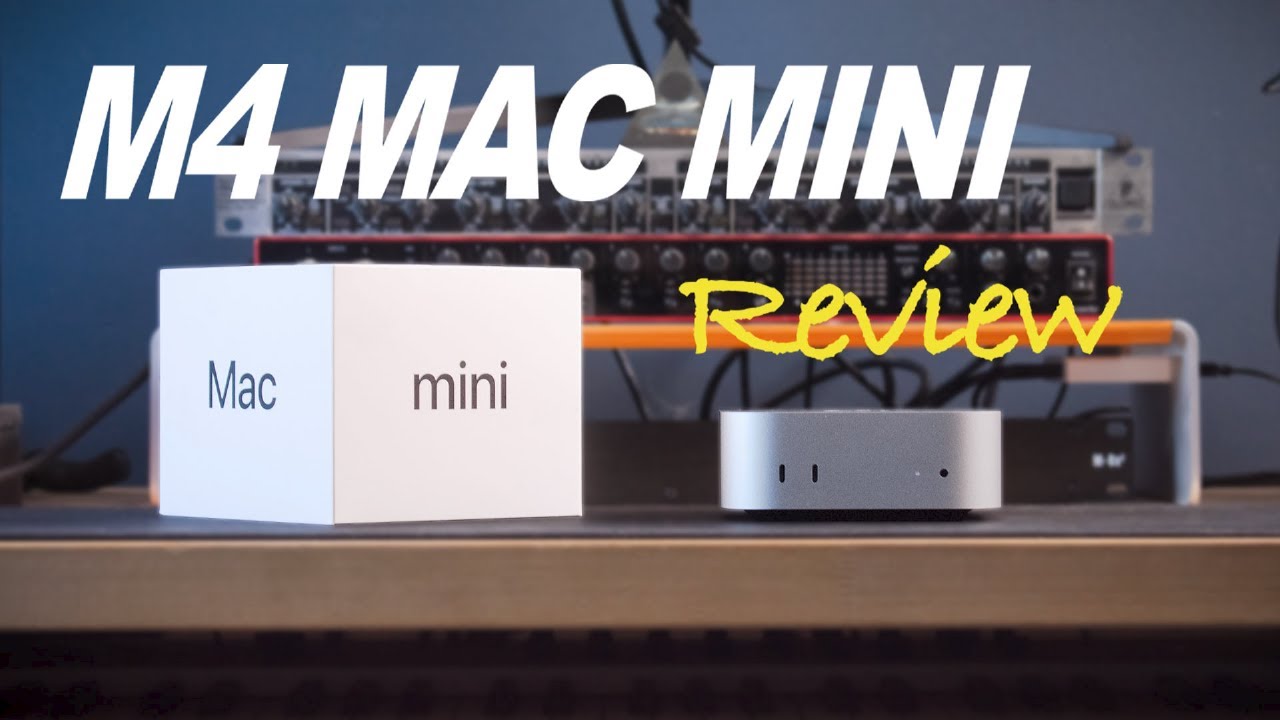
On the front of the Mac Mini M4, you’ve got two USB-C ports and a 3.5mm headphone jack, while the rear displays three Thunderbolt 5 connections, an HDMI port, an Ethernet connection, and the figure-8 socket for the IEC C7 cable. It comes with one in the box, but it’s compatible with 3rd party cables, too. One thing to note is that, unlike Apple laptops, you can’t power the Mac Mini M4 with USB-C as stock, but some users have managed to mod it to do this.
On the underside of the Mac Mini is where you’ll find a fan, and the housing for this raises the aluminium body up from whatever surface you place it on in order to provide good airflow. It’s also where the power button is, rather awkwardly placed. If you’re installing this in a permanent space out of the way in your studio, then you’ll want to utilize the sleep mode versus shutting it down completely every night.
Performance

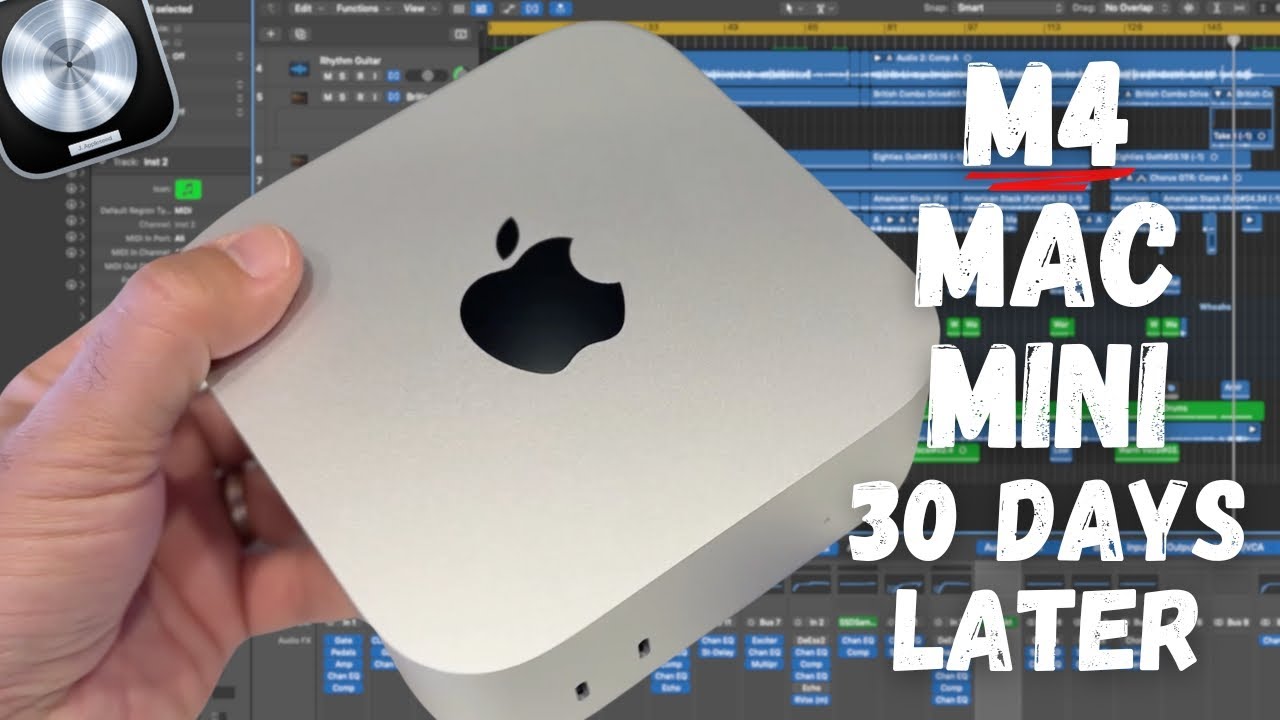
Taking it out of the box, my immediate impression is that it’s shockingly small. It’s like the smallest personal pizza box you’ve ever seen, with dimensions that make it more akin to something like an audio interface rather than a fully-fledged PC. It’s an impressive build, and like all Apple products, it features the aluminium unibody design that will be instantly familiar. It’s lightweight too, so you could use it on the go, with it weighing much less than my MacBook Pro M3.
One initial point of confusion is the location of the power button, which, it turns out, is on the bottom of the unit, and at the back to make it doubly hard to get to. It’s because the design has shrunk so much since the M2 version that the button had to be placed here, but it’s something to be aware of if you’re planning on hiding it away somewhere in the studio.

Loading up a project in Logic I’ve been working on, the Mac Mini M4 handles anything I throw at it with aplomb. Using the Core Audio with the buffer size on 32, it doesn’t even blink as I start loading up multi-band compression, spectral EQ, or quickly run the built-in stem splitter in Logic to separate the demo guitars from the drums. Everything loads up super quickly, making it an absolute pleasure to work in.
The track count runs to more than 90 by the time I’ve finished, including buses and sends, but I don’t see the CPU meter go higher than a quarter during this time. It plays back the whole thing without any issues, with around 70 plugins in the project. Granted, these were all Logic stock plugins, which are very well integrated, and of course, Logic itself works very well in macOS. That means it probably wouldn’t be this simple if you’re using a DAW like Pro Tools or Cubase.
I duplicate the project twice to stress test the Mac Mini M4 and see what it’s capable of. With 291 tracks running concurrently, the CPU meter shoots up, but it manages to play back the full duration of a four-and-a-half-minute song without any errors. You probably wouldn’t get this performance with this number of virtual instruments, but it speaks volumes that this is a very capable machine that will handle pretty much anything you throw at it. I can’t imagine many hitting this high a number of tracks in the real world unless you're scoring for film.
Verdict

With the latest M-chips, Apple is going from strength to strength in the music-making world. The Apple Mac Mini M4 is so insanely powerful that I could see it lasting a decade or more in home recording studios. Paired with a solid audio interface, you’ll have a very capable machine indeed, one that’s powerful enough to handle most tasks and stable enough to be used in a working environment.
You should consider your initial spec very carefully, though, because this isn’t an easily upgradeable machine. In particular, the hard drive size should be a concern, especially as OS updates often end up taking up more room, and you’ll likely be adding more plugins and programs as time goes on. You won’t feel a huge jump between the 16GB and 24GB RAM versions, but if you can, always go for the higher spec.
MusicRadar verdict: For me, the Apple Mac Mini M4 is a no-brainer for the producer or recording engineer who wants a permanent home setup. Its small size makes it well-suited to fitting into a variety of spaces, and the performance is simply superb, making it a very capable companion for music making. The only thing I didn’t like about it was the power button placement, but apart from that, there’s very little to complain about here.
Hands-on videos

Alternatives

Specifications
Launch price |
$799-$4,699+ | £799-£4,649+ | €949-€5,400+ |
Key features: |
Operating system: macOS Processor: M4 or M4 Pro 10‑core CPU, 10‑core GPU, 16‑core Neural Engine Memory: 16GB unified memory (24GB and 48GB options available) Storage: 512GB SSD (as reviewed) - 1TB, 2TB, 4TB, 8TB options available I/O: 2x USB-C, 3x USB-C/Thunderbolt 5, HDMI, Gigabit Ethernet, 3.5mm headphone jack Power: IEC C7 cable |
Dimensions: |
5 x 12.7 x 12.7 cm (2 x 5 x 5”) |
Weight: |
0.67 kg (1.5 lbs) |
Contact |
