





MusicRadar Verdict
If you want to step up from a desktop interface to something with more functionality, the Focusrite ISA C8X is well worth the asking price. The ISA preamps deliver superb quality recorded tones, and have plenty of extra analogue features like a high shelf and saturation circuit that can really enhance the sound of your sources. Hands-on control and app control work really well, and apart from the annoying headphone LED rings, it’s really clear what’s going on just from looking at the front panel.
Reasons to buy
- +
ISA preamps deliver superb quality sound.
- +
Switchable impedance on ISA inputs is a powerful feature.
- +
Setup was very simple and problem-free.
- +
Connectivity options for expanding and using hardware.
- +
Excellent companion app with remote control via smartphone.
Reasons to avoid
- -
Halo LED rings aren’t the most accurate.
- -
The headphone level LEDs don’t stay lit.
MusicRadar's got your back Our team of expert musicians and producers spends hours testing products to help you choose the best music-making gear for you. Find out more about how we test.
What is it?
Back in 1985, Rupert Neve had left Neve Electronics to set up Focusrite and was asked to design a mic preamp and EQ for the console at AIR Studios Montserrat. The result was the now-legendary ISA 110. The Focusrite ISA C8X audio interface, with its two ISA preamps, is essentially the same circuit that’s featured on some huge records.
The ISA 110 was a feature of the Focusrite Studio Console Ocean Way Studio A, with artists like Beck, Hole, Stereophonics, John Mayer, No Doubt, and more all tracking there. It’s often praised for its clarity, rather than the more coloured sound of Neve or API preamps. Word on the street is that where one of the former flatters your sources, the ISA reveals them.

The standout feature of the ISA is the switchable impedance. You can move from low at 800Ω, ISA 110 at 1.4kΩ, medium at 2.4kΩ, and high at 7kΩ. In plain English, it means that at higher settings you should get a flatter, brighter response, while lower settings bring out more of the low-mid resonance. It should also be handy for ribbon mic users, allowing you to brighten them up and get more level without cranking the input gain.
You get two of these ISA preamps to play with, instrument inputs on the front and mic inputs on the back of the unit. These both feature a fully analogue, variable soft-clip saturation circuit. An inductor-based high-frequency lift is also available on the ISA channels, modelled on the ISA 430 MkII’s air mode. The high-pass filter is also only available on the ISA channels, fixed at 75 Hz.
The manual doesn’t name the remaining six preamps, but the specs match the Focusrite Scarlett 4th Gen exactly. These also feature an all-analogue high-shelf circuit, but the distortion on these is DSP rather than analogue. The remaining six inputs are also on the back of the unit, and each of the eight inputs has a dedicated line input alongside it. There are also two send and return paths, again only available on the two ISA inputs.

There are two XLR outputs on the back, again each with a dedicated line output. The remaining 10 outputs are all line. Two headphone outputs are on the front of the unit, each with a dedicated volume control and mute button. Returning to the back of the unit, you’ve also got MIDI In/Out, optical in and out, S/PDIF in and out, and word clock in and out. The unit connects to your laptop or PC via USB-C.
Each channel features Focusrite’s auto gain functionality, regardless of whether it’s an ISA channel or not, which can be accessed from the front panel or via the Focusrite Control 2 software. It’s got a built-in monitor controller with three switchable groups, dim, mute, mono, and talkback via an internal mic. The app offers preset recall and remote control via the mobile app. It also works standalone, keeping its settings when you disconnect it.
Performance

In my home studio, I set up the ISA C8X by routing outputs 1 and 2 to my studio monitors, plugging the USB-C into my MacBook Pro, and selecting the interface in my sound settings. My laptop recognises it instantly, and I’m able to play back a track from the latest Young Knives record without any further setup.
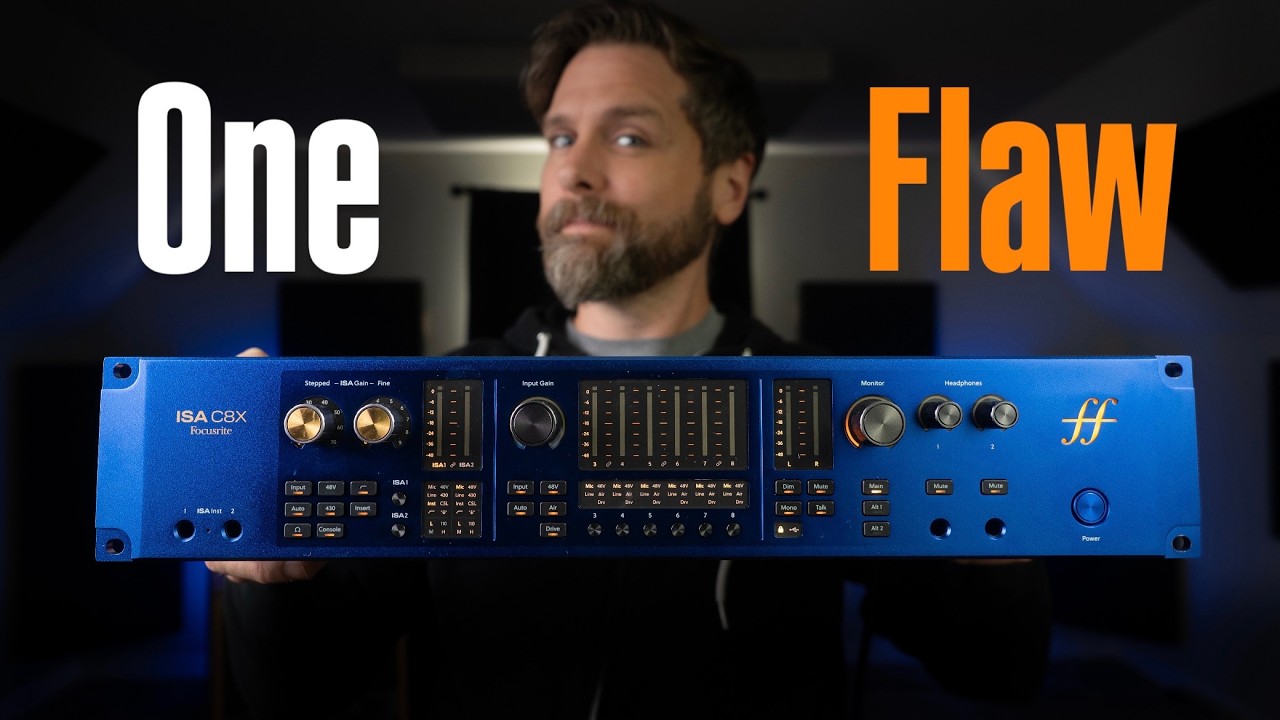
The front panel glows a very nice sunset yellow, contrasting nicely with the blue chassis and making everything very easy to read. There are physical controls for everything, whether that’s setting the input type, impedance, selecting the insert path, engaging phantom power and low cut, as well as adding the 430 high shelf, and engaging the analogue saturation circuit via the console button.
It’s great for those who prefer to get hands-on, and most things are clearly marked enough that a semi-experienced engineer could get by without having to reach for the manual. That said, I did have to double-check what ‘430’ and ‘console’ do. I’ve also yet to meet an engineer who uses auto gain, so I’m unsure why companies persist in adding these, particularly to a high-end unit like this.

The ISA preamps feature two gain knobs, with a stepped knob going up in multiples of ten and a fine knob going in 1dB increments. It’s a nice touch, especially if you note down on the track comments what your setting is going in. Each ISA preamp has a dedicated button to switch between them, and all the settings have their own panel to show what’s engaged and what isn’t on each channel.
Moving to the ‘standard’ Focusrite preamps section, it’s a similar story, but there’s no ‘430’, ‘console’, or impedance settings here, with the first two replaced by simple ‘Air’ and ‘Drive’ buttons. Each channel has its own panel denoting what’s engaged, and its own metering. Interestingly, the meters start off blue at the lower levels before transitioning into that sunset yellow as they get past -12dB. They look like the gas flames on an old cooker.
Navigating into Pro Tools, my next check is to see whether it’s recognised here. I switch my playback engine in my project and Tools picks it up straight away, resulting in instant playback without any additional software required. I’m a big fan of using software on smaller interfaces with limited controls, but here, where there’s a button for everything, I’m happy to carry on without it.
What I do, though, is download the Focusrite Control 2 app on my laptop and my phone, so I can remotely control the unit without having to return to it physically. This is a nifty feature if you frequently record on your own, preventing you from having to move back and forth between your recording and mixing spaces if you’re lucky enough to have separate ones.

For my testing, I hook up two C414 condenser mics to the ISA inputs, position them in a Blumlein configuration, and break out my acoustic guitar. Positioned a couple of feet away, I play the same song, a DADGAD drone of mine with various settings engaged on the inputs. That means I do some with the console saturation enabled, some with the 430 air setting on, as well as all of the different impedance settings that are available.
Upon listening back, the differences in the takes aren’t what I’d call huge. They’re certainly there, and going from the low impedance setting to the high impedance setting, there’s a noticeable change in the brightness of the take. The C414 is already quite a bright microphone, and adding the high impedance into the chain makes the acoustic border on brittle versus the warmer low impedance setting.
The saturation is less noticeable on my takes. There’s definite natural compression I can just about detect, but with my signal peaking around -12dB, it’s more subtle smoothness than noticeable character. It sounds great though, and I can see on the waveform that it’s massively smoothing off the peaks versus the takes without the console saturation engaged.

Cranking the input gain up and moving closer to my mics, I start to get noticeable drive as the signal hits more into -6dB territory. The acoustic strummed hard causes breakup that makes it sound like I’ve got a distortion plugin on it. Again, the sound here is less characterful and more smooth breakup, but if you wanted to add some drive to your louder sounds on the way in, you can do that here.
Once I get to mixing my takes, I can see that the low cut has done its job. It’s gentler than I expected, so I can bring some of the low end back if I like. The overall sound of the take is pretty good though, and after taming a few of the naturally annoying frequencies acoustic guitars tend to make, I’m left with a very polished-sounding result indeed. Having the ability to process sources on the way in is the real power of the C8X, and it means you don’t have to buy any additional preamps if you’re tight on budget.
Verdict

After spending a good amount of time with the Focusrite ISA C8X, I’m overall very impressed with it. For those looking to upgrade from a desktop audio interface to something a little more pro, it’s got a lot going for it. The ISA preamps sound fantastic, and having all the functionality both on the front of the unit and within the companion software means it’ll please both kinds of users.
Using it is honestly an absolute breeze, with everything clearly labelled on the front panel. Add in the ability to use it remotely via your smartphone, and you’ve got something that will be just as at home in the home studio as it is in a dedicated one. The ability to add 16 more inputs via ADAT means you can have 24 dedicated channels (at 44.1/48kHz) should you wish.
The one thing I did find annoying is the halo-style LEDs on the hardware knobs. It’s hard to be accurate with these, and the ones for the headphone outputs don’t stay lit, so it’s easy to blow your own head off if you’ve got the volume cranked and forgot to put it back. They also default to showing the master output volume when playing back, giving you even less visibility on what they’re set to. Of course, you can set this via software more accurately, but I prefer the segmented style LEDs that give you a more definitive view of what the volume is doing.
MusicRadar verdict: If you want to step up from a desktop interface to something with more functionality, the Focusrite ISA C8X is well worth the asking price. The ISA preamps deliver superb quality recorded tones, and have plenty of extra analogue features like a high shelf and saturation circuit that can really enhance the sound of your sources. Hands-on control and app control work really well, and apart from the annoying headphone LED rings, it’s really clear what’s going on just from looking at the front panel.
Hands on videos
Alternatives
Specifications
Launch price |
£1,899.99 | $2,299.99 | €1,890 |
Key features: |
Connectivity: 8x XLR mic inputs, 8x 1/4" TRS line inputs, 2x front-panel 1/4" instrument inputs, 2x 1/4" TRS insert send/return pairs (ISA channels 1-2), 12x 1/4" TRS line outputs (outputs 1-2 also on XLR), 2x 1/4" headphone outputs, 2x optical in/out (ADAT/S/PDIF), coaxial S/PDIF in/out, BNC word clock in/out, 5-pin DIN MIDI in/out, USB-C, IEC power Form Factor: Rackmount/Desktop (2U, push-in feet supplied) Simultaneous I/O: 26 x 28 Number of Preamps: 8 (2x Lundahl-transformer ISA, 6x Focusrite) Phantom Power: Yes, switchable per channel on all eight mic inputs A/D Resolution: Up to 24-bit/192kHz Analog Inputs: 8x XLR mic, 8x 1/4" TRS balanced line (fixed gain), 2x 1/4" TS instrument (front panel, ISA channels 1-2), 2x 1/4" TRS insert returns Analog Outputs: 12x 1/4" TRS balanced line (outputs 1-2 also on XLR), 2x 1/4" TRS insert sends Digital Inputs: 2x optical (ADAT, up to 16 channels at 44.1/48kHz, 8 at 88.2/96kHz; switchable to optical S/PDIF), 1x coaxial S/PDIF Digital Outputs: 2x optical (ADAT, up to 16 channels at 44.1/48kHz, 8 at 88.2/96kHz; switchable to optical S/PDIF), 1x coaxial S/PDIF Headphones: 2x 1/4" TRS, independent level and mute MIDI: In/Out (5-pin DIN) USB: USB-C (C-to-C cable and USB-A adaptor supplied) Clock I/O: Word clock in/out (BNC) Power: IEC mains |
Dimensions: |
482 x 325 x 88mm (18.98 x 12.8 x 3.46") |
Weight: |
5.6kg (12.34lbs) |
Contact |
