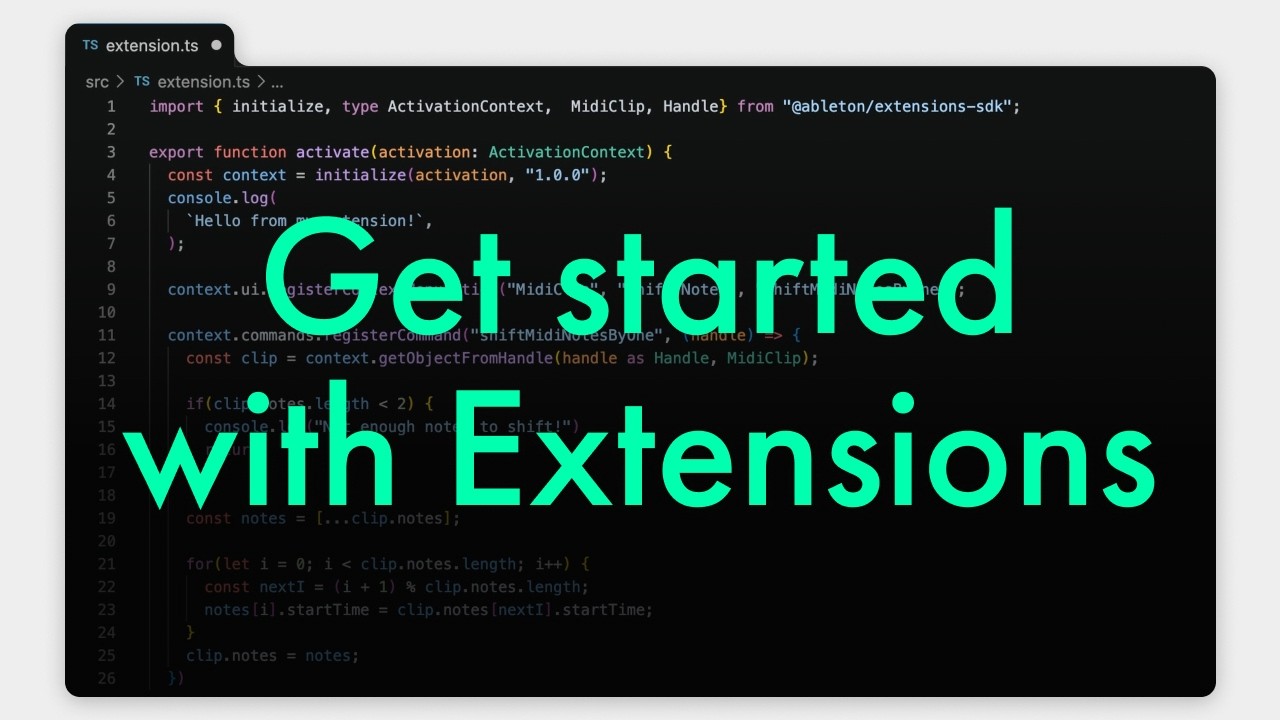
Ableton has launched the public beta of the Extensions Software Development Kit (SDK), an “experimental playground” and JavaScript toolkit that can be used to develop Extensions, customized tools, features and add-ons for Live Suite.
Extensions are specialized tools for Live that integrate directly into its workflow and can be accessed via the right-click menu within the DAW. Though only a handful of examples have been shared by Ableton so far, the scope of what Extensions can do is very broad: they can access, analyze, edit and manipulate much of what makes up a Live Set, but unlike Max for Live – which can be used to build custom instruments and effects for Live in Max/MSP – Extensions aren’t designed to generate or process audio in real time.
Ranging in complexity from basic time-saving utilities to sophisticated creative tools with their own UIs, Extensions can do everything from from workflow automation and project management to creative manipulation and idea generation. (They can also run DOOM in your DAW.) The SDK opens up access to tracks, clips, MIDI notes, devices, tempo, automation and more, and Extensions can even connect to external services and systems. Ableton says the capabilities will continue to expand over time as the beta phase progresses.
The example Extensions launched by Ableton with the SDK release give us a sense of how they can come in useful across various aspects of the creative process: there are helpful tools like RNMR, an Extension that can rename batches of clips at the same time and even analyze the contents of a MIDI clip to generate appropriate names.

Another particularly handy Extension is Arrangement Track, which can assist with structuring songs in Live’s Arrangement View. Open it up, and you can quickly build out an arrangement with customized section names and lengths that’s automatically translated into colour-coded MIDI clips in a new track in the Arrangement View to serve as a structural guide. If you want to reorder the arrangement in the Extension window, it'll automatically shift on Live's timeline too.
These two examples are more on the practical, workflow-oriented side of things, but Extensions can also be creative tools. Our favourite of the Extensions released so far is BBenCut, an add-on built specifically for automated breakbeat slicing.
Based on BBCut, a decades-old SuperCollider library that simulated the chopping techniques of old-school jungle and DnB producers, BBenCut features a number of different algorithms and multiple parameters to shape its rhythmic rearrangement, and it's a exceptionally fun and versatile shortcut to getting into vintage break-chopping mayhem.

If you’re a Live user with coding skills, you can use the Extensions SDK to customize Live to suit your own unique creative process by designing your own tools and features. But even if you don’t have any programming experience, we now live in a world where it’s possible for anyone to take a stab at software development with the assistance of AI coding tools – and this means that the average musician or producer can attempt to vibe-code their own Extensions for Live, regardless of technical ability.
However, in our conversation with the company’s Head of AI R&D Lillia Betz, we were told that the Extensions SDK wasn’t created with this use case in mind, and that its release wasn’t motivated by the recent surge in popularity of AI-assisted software development.
“We’d love to be able to say that we did it on purpose, but it was a total coincidence that the time that Extensions is ready to be released is a time at which people are using tools such as Claude Code without coding experience,” Betz told us. “That’s not why the SDK exists, and we certainly aren’t saying that this is what people should be doing... but we know that people are doing that, and if that’s your thing, then go for it.”

Inside the new wave of AI tools turning prompts into plugins
Though many Live users will be curious about developing their own Extensions – whether that’s through traditional or AI-assisted means – just as many will be uninterested in development, but keen to experiment with Extensions designed by others. Much like Max for Live, which has opened up a whole world of instruments and effects to those unfamiliar with Max/MSP, Extensions will offer every Live Suite user a multitude of ways to enhance and expand their creativity within the DAW.
Though there are only a few Extensions currently available, once the Ableton community gets its hands on the SDK, it’s fair to say that the sky is the limit on what kind of wild ideas will be dreamed up, and how this could transform the creative potential of a DAW that’s already considered by many to be one of the most powerful music-making tools on the market.
While the Extensions SDK is in beta, Ableton has invited its users to share, discuss and collaborate on Extensions using a dedicated space on its Discord server, and says that the SDK is just the “starting point” for an ongoing collaborative development process guided by community feedback.
The Extensions SDK is available now as a free download. Extensions can currently only be used with the Live 12.4.5 Suite beta.
Visit Ableton’s website to download the Extensions SDK and find out more.