





MusicRadar Verdict
RND is a musical slot machine: unpredictable, sometimes frustrating, but capable of surprising you in ways that few other synths can. Used standalone, it's fairly limited, and finding the good stuff takes a bit of button-pushing. Add a laptop or controller into the mix, though, and it can become something much more creative, serving up unique patches and spontaneous sequences that could spark the inspiration for something more. It's not going to become your go-to synth, but it's a fun and inexpensive way to break through creative block when every idea starts to sound the same.
Reasons to buy
- +
Wide sonic range across eight synth engines
- +
MIDI control over key, scale and individual tracks
- +
Doubles as a generative sequencer and random preset generator
- +
Four-track USB audio lets you record each part separately
- +
Quick and easy way to break through creative block
Reasons to avoid
- -
Global settings only accessible via MIDI
- -
MIDI out over USB only
- -
No battery or built-in speaker
- -
No CV or gate for modular integration
- -
No way to save patches or sequences
MusicRadar's got your back Our team of expert musicians and producers spends hours testing products to help you choose the best music-making gear for you. Find out more about how we test.
What is it?
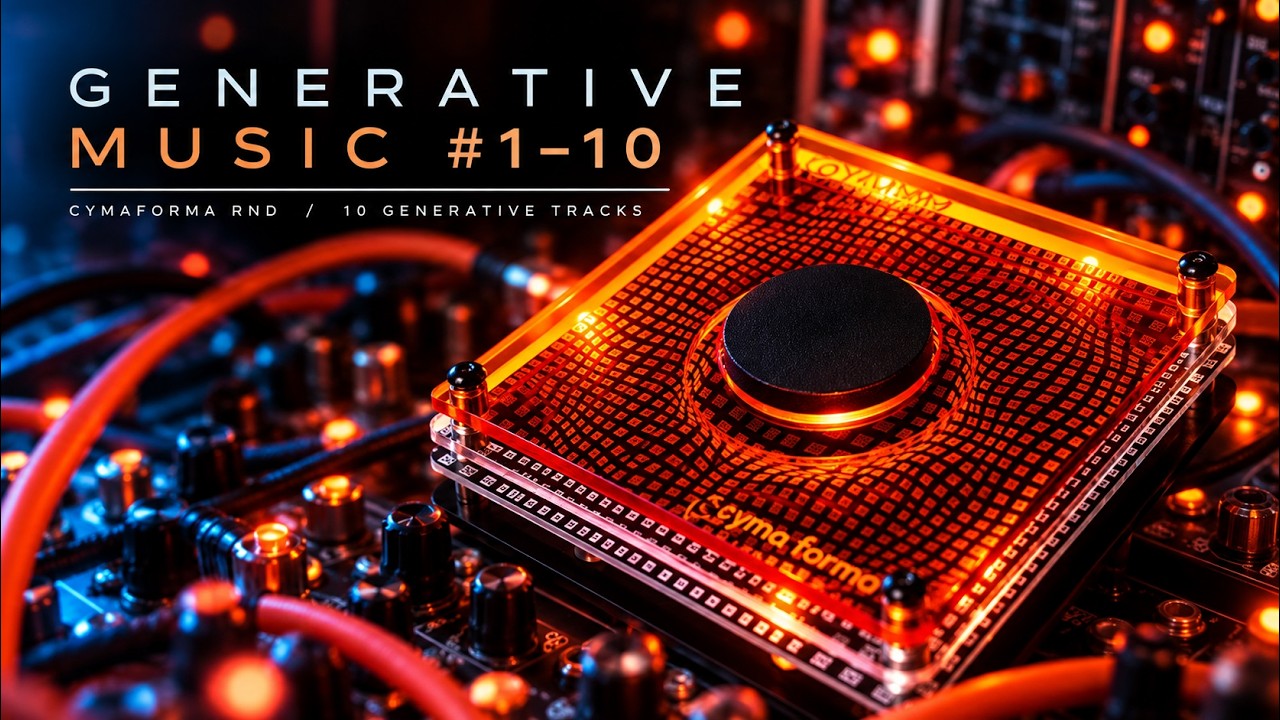
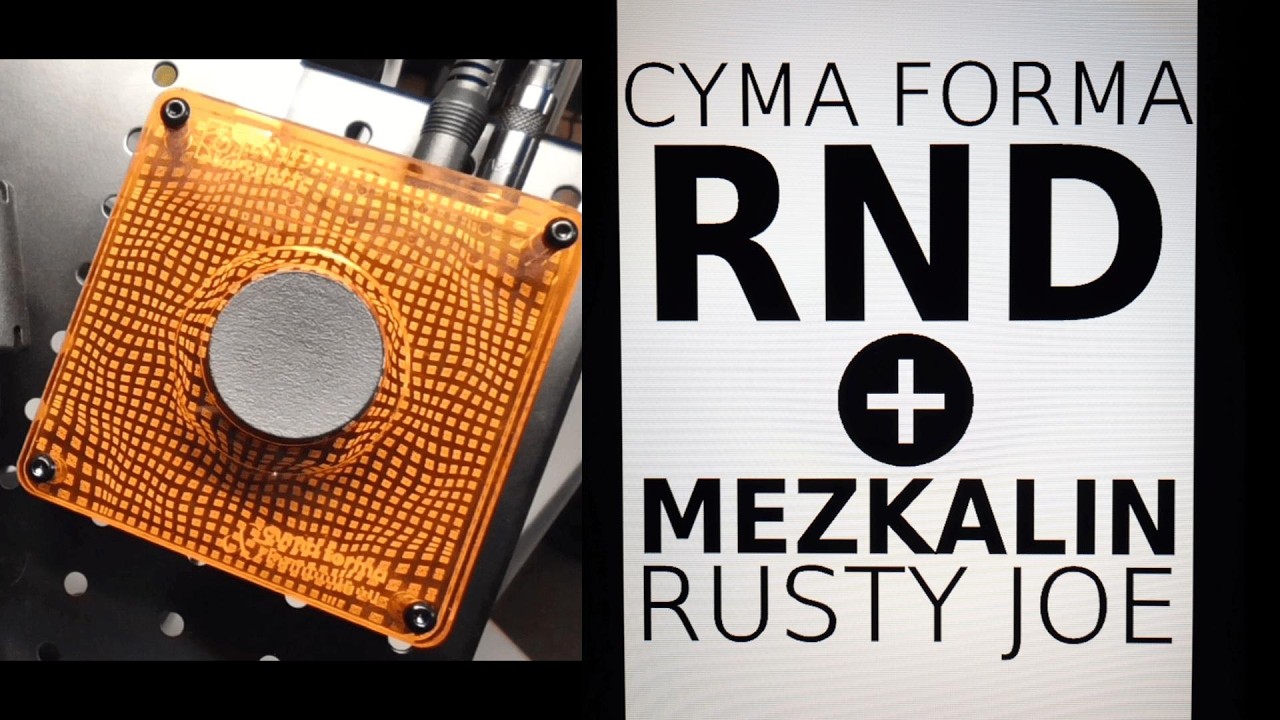
At first glance, RND doesn’t look much like a synthesizer – it looks like a big black button set in a square of orange plastic. But what exactly is it? An eccentric doorbell? A sci-fi thermostat? A nuclear detonator?
Nope. Believe it or not, RND is a musical instrument: a pocket-sized, multi-timbral generative synthesizer. According to its creators, Parisian synth-makers Cyma Forma and producer Bambounou, it’s an “inspiration machine”, an “infinite source of sounds” that holds the potential for more than 4 billion musical ideas. It’s also, quite literally, just a button.
RND is a synth with a single control. No keys, no knobs and no display, just one button that produces a randomised musical idea every time you press it. Hit that button and RND generates between one and four sequences that play on four instrument tracks, each feeding into a randomly selected synth engine loaded with a randomly generated patch. Hit it again, a new musical idea appears, and the previous one is gone forever.
RND certainly looks simple, but there’s more going on under the hood than you might expect. Though the sequences are randomly generated, they follow some rules. Each one takes the form of a looping pattern, a “jingle” (a one-shot sequence that doesn’t repeat) or a drone, the rhythms follow Euclidean algorithms, and the melodies and chords adhere to a randomly selected scale from a bank of 20 that includes multiple modes and some more exotic options alongside the typical major and minor scales.
Each sequence runs into one of eight synth engines, each of which can randomly be monophonic or four-voice polyphonic: you’ve got subtractive, FM, Karplus-Strong, supersaw, additive and noise, along with a 303-style acid engine and a speech synth reminiscent of the classic Texas Instruments Speak & Spell. After the sequences have been generated, the tracks are randomly panned, mixed together and sent through a randomised reverb on the master output.
RND is a bold idea, and it’s one that split the crowds when it was unveiled earlier this year at Superbooth, producing strong opinions on both sides. It’s not hard to see why: all of the features we expect from a synthesizer – sound design, manual sequencing, preset selection – are largely absent from RND. All you’re left with is a button, and the decision to either work with what that button creates, or hit it again and try something else.


Pricing
Launch price: £149/$150/€169
Performance
Despite its extreme simplicity, there’s a lot more to RND than meets the eye, and there are a few different ways that you can work with it in a musical context. The simplest is to just plug in a pair of headphones and listen. (There’s no battery or built-in speaker, so you’ll always need a USB-C power source and something to listen with.) This is where the definition of RND as a “synthesizer” feels a little stretched; with no way to tweak the patch, edit the sequence, or actually interact with the music, RND feels more like a generative music player than an instrument.
Press the button a few times and you’ll realise that RND is a kind of musical slot machine. It’s very unpredictable – that’s the whole idea – and a significant chunk of what it comes out with isn’t usable. It’s all subjective, of course, but much of the output sounds too chaotic or atonal, some just isn’t very musical, and a minority is borderline unlistenable. As a test, we hit the button 100 times and tallied up the ideas we liked and those we didn’t, and just under half of them got our thumbs-up. That’s not a bad result, and it’s not hard to find something to work with after doing a bit of button-pushing, but it’s fair to say that RND requires a little patience.
There’s a decent amount of sonic variety across its eight synth engines, and it comes out with everything from biting plucks and wobbly basses to ethereal pads and noisy textures. At its best, it can produce bubbling, Buchla-esque sequences in the vein of Suzanne Ciani or Kaitlyn Aurelia Smith, or floaty ambient soundscapes that could pass for an Eno outtake. We were particularly taken with the speech synth, which can sound brilliantly weird and glitchy. Some of the patches might sound familiar, as Cyma Forma has borrowed open-source code from Mutable Instruments – the now-defunct Eurorack brand responsible for much-loved modules like Plaits, Rings and Beads – for its synth engines.
When you land on something you like, you can sample RND’s output and work with it elsewhere; either record it into a hardware sampler via the 3.5mm stereo output or run it into your DAW. You can sample the whole mix, or you can record each instrument track separately in your DAW, as RND sends out multi-track audio over USB-C. This comes in useful when you like a part that’s being played on one track but not the others, which can happen quite often. (The USB stems come in mono and skip the reverb, though, so you’ll have to add panning and effects after the fact.)
On its own, RND is a fairly limited proposition, but it becomes a much more versatile instrument when you hook it up to a laptop or another piece of gear
On its own, then, RND is a fairly limited proposition, but it becomes a much more versatile instrument when you hook it up to a laptop or another piece of gear. It can send and receive four-channel MIDI over USB, or receive four-channel MIDI through a TRS Type A mini-jack. Two additional mini-jacks handle analogue sync, too, so you can send its clock out to another piece of gear or sync RND’s sequencers to another clock.
By routing MIDI into RND, you get a lot more control over its output. MIDI channel 1 has global controls: you can transpose the sequencer by sending in a root note, and use MICI CC to adjust the master volume and reverb level or choose scales. It’s great to have these extra controls, and they make it much easier to fit RND into a setup with other instruments, but we’d prefer it if they could be tweaked in a companion app rather than only by MIDI.
Sending in MIDI data on channels 2-5 will take over a specific track and leave the others playing, and MIDI sent on channels 6-9 will play an individual track solo. Using it like this and bypassing the sequencer, RND can become a kind of random preset generator – you control what’s being played, but you can switch to a fresh patch with the press of a button, cycling through until you land on something inspiring.
This is a fun way to discover new sounds without handing creative control over to RND completely. It’d be nice to be able to save presets that you want to use later, though, even if that does go against the spirit of the thing.
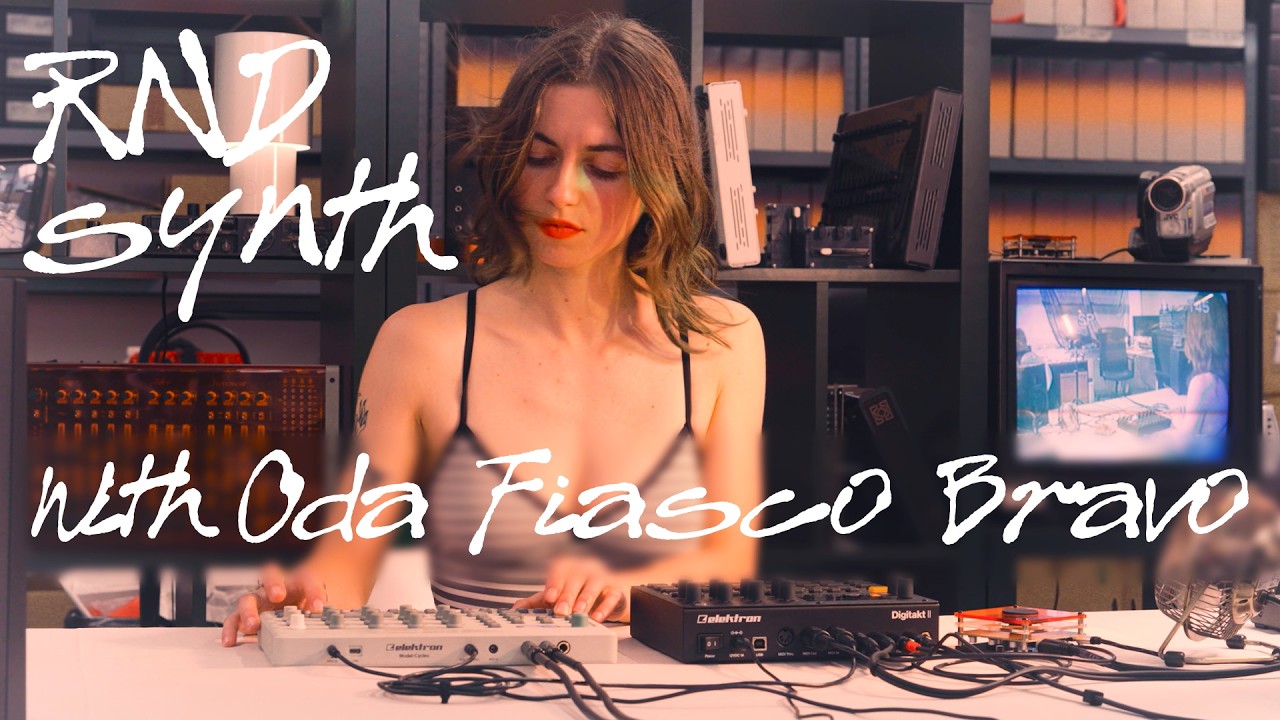
Another way to use RND is by treating it like a generative sequencer. We set up four different instruments in Ableton Live, each receiving MIDI from a different track in RND, and let the synth drive them while changing scales via MIDI CC. This produced some interesting results that we could record, edit and arrange later on, and sounded like nothing we’d have come up with ourselves. You could also use RND to sequence up to four other hardware synths if you wanted to, but you’d need to route it through the computer or a standalone USB MIDI host, as MIDI output is only available over USB.
Verdict
In the immortal words of Forrest Gump, RND is like a box of chocolates: you never know what you’re gonna get. Oddly, this is both its greatest strength and its biggest drawback. One minute, it’s coming out with something that sounds like you let a five-year-old loose on your modular rig, and the next it’s serving up lush, layered soundscapes that are begging to be sampled. Finding the good stuff takes a lot of button-pushing, though, and when it arrives you’d better be recording.
RND is a strange and sometimes frustrating little synth, but it’s capable of surprising you in a way that few other instruments can
RND is probably the simplest (and silliest?) synthesizer we’ve ever seen, but the simplicity is kind of the point. It’s not going to replace your do-it-all workstation synth, and it’s not meant to. What it will do is provide an instant bolt of inspiration with each press: a one-of-a-kind sample that can be reworked in your DAW, an unpredictable sequence that can be brought to life by another instrument, or a freshly made patch that’s never been heard before. It’s an inexpensive way to shake up your workflow, a tool for breaking through creative block when every idea starts to sound the same – and at its best, it’s pretty good at it. It’s often said that limitations breed creativity – is there anything more limited than a one-button synth?
RND is understandably divisive. It’s tempting to dismiss it as a gimmick, a toy, or even a meme. A harsher critic might call it the Suno of synthesizers, stripping away any meaningful sense of authorship from the creative process by reducing it to a single button-press. Is RND just a synth-shaped symbol of our doomscrolling, dopamine-hungry digital lives, where an endless stream of fresh content is served up effortlessly at the touch of a button?
We don’t think so, or at least not entirely. RND doesn’t hand you a finished track, it hands you a unique starting point you’d never have found without it, and the interesting part is where you choose to go from there. Used standalone, it’s hardly an instrument – it’s something you can listen to and sample rather than actually play – but when you add a laptop, a controller or a sampler into the mix, it turns into something much more creative. RND is a strange and sometimes frustrating little synth, but it’s capable of surprising you in a way that few other instruments can.
Hands-on demos
Specifications
Price |
£149/$150/€169 |
Key features |
8 synthesis engines (subtractive synthesis, FM, Acid, Noise, Speech, Karplus-Strong, Supersaw and additive synthesis) 4 independent Euclidean sequencers 20 scales Control of individual channels, volume and reverb level via MIDI Power supply via USB-C (5 V DC, 1 A) USB audio (4 channels) and USB MIDI (4 channels in/out and MIDI clock) Stereo line output: 3.5 mm jack MIDI-In: 3.5 mm TRS jack, Type A Analogue Sync in/out: 3.5 mm jack USB-C port for power supply |
Contact |
