


It’s only been six months since Fender officially relaunched Studio One as Fender Studio Pro, and now the feature-packed DAW sees its most notable divergence from the original with an AI-leaning 8.1 update.
In collaboration with the stem separating masterminds at Moises, Fender stresses that the new (ethical) AI-fuelled tools of 8.1 are intended to assist the music creator, enabling them to get deeper into their tracks, build out ideas quicker and save precious time. We can't argue with that, can we?
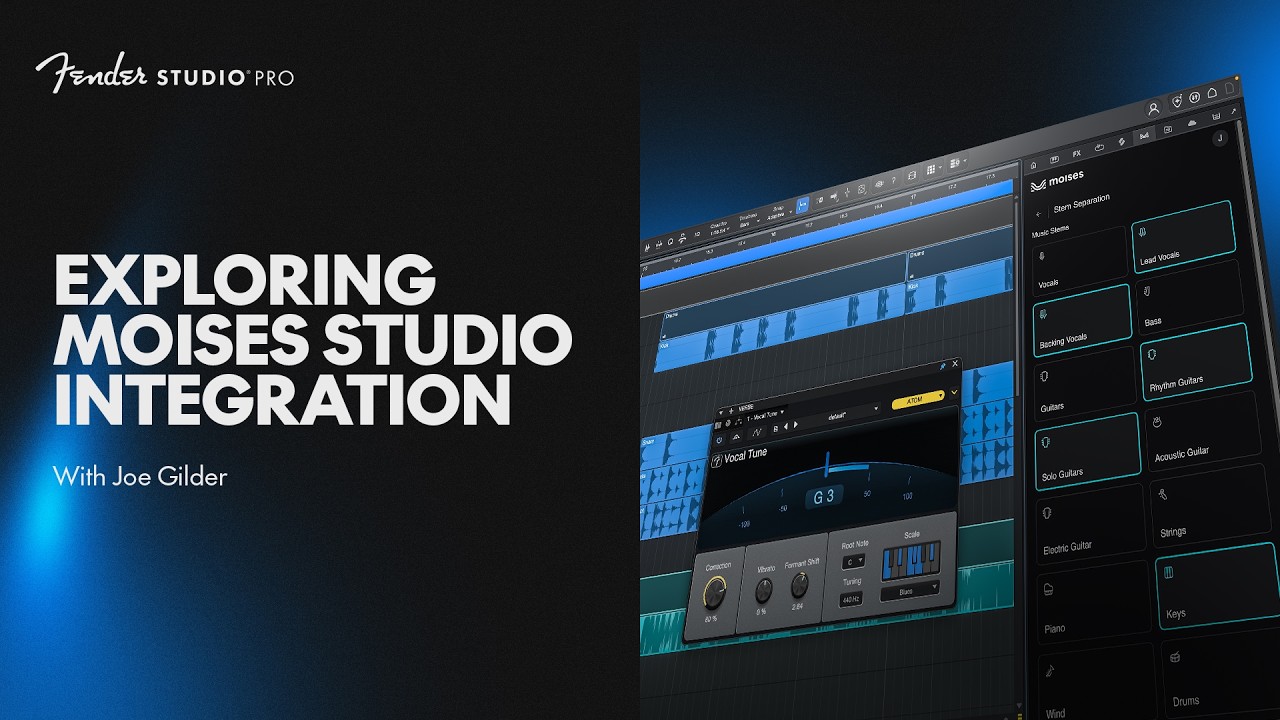
The key flagship here is the Moises integration which seamlessly grants Studio Pro users the ability to strip out a huge array of pristine-sounding stems from a finished, bounced track.
And, get this, using Moises, you can now generate a batch of new stems or convert voices of already recorded vocals.
Having heard this in action at Fender HQ recently, we were struck both by how clean these dissected stems sound, and how natural - and not noticeably 'AI'-like - the freshly brewed ones appeared to be.
On the stem separation front alone, the results are certainly a step up from other DAW-native stem extraction abilities, with the application now able to cut out elements with far more surgical precision than anyone else.
Indeed, even individual drum elements are able to be isolated with zero spill from the other elements of the kit.
“Usually you just get vocals, bass, drums and others, but here you can separate between vocals and lead vocals and backing vocals,” explained Fender Studio expert and YouTuber Gregor Beyerle at the launch of the new update. “Or, guitars, and rhythm guitars - they can be separately processed from each other. You can also do strings and wind instruments separate from each other, and piano and synth which I think is pretty wild. And also, the entire drum kit…”
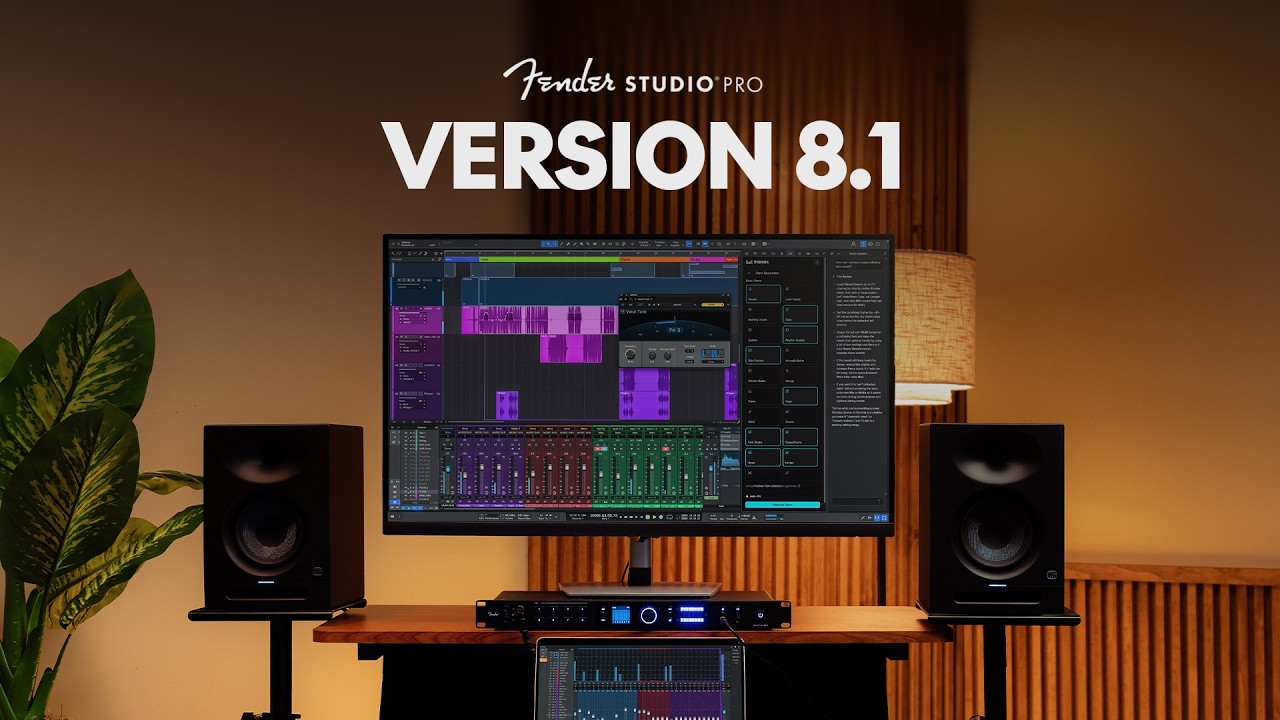
Although Moises’ stem separation acumen has long been recognised, the integrations of its smartly generated stems and the seamless ability to switch out vocalists for a range of AI vocal models within the Fender Studio Pro ecosystem could represent quite a leap forward.
And, on the source material that its algorithm has been trained on, Moises reiterated strongly that it only deals with officially and legally-licensed music. It's an approach that is central to the company’s artist-angled ethos.
“[We had to make decisions] to license the content, and to know when to stop,” said Matt Henninger, the VP of Sales and Business Development at Moises. “To not start with prompt and end with song.

“All art comes from giving musicians tools that they can bend, break, destroy [and] wire wrong,” Matt continued, on the recurring theme of disruption throughout music's history. "That is our job. Our job is to provide a tool that can be leveraged in the way that the artist chooses.
"This is the beginning of something just awesome and I can’t wait for people far more creative than me to break it.”
“Our integration with Moises gives musicians powerful new ways to learn songs, practice, experiment and create,” Max Gutnik, Chief Product Officer of Fender Electronics stated. “AI isn’t the destination. Making music is. When technology gets out of the way and helps musicians accomplish more, it’s serving the art. That’s what we aspire to do."
Moises Studio integration is available for all 8.1 users, providing 10 stem separations, 120 stem generation credits (60 minutes), and five voice conversions per month
Another key addition is the AI Studio Assistant. Think ChatGPT or Claude, but entirely trained on the inner workings of Fender Studio Pro - a semi-sentient manual if you will.
This assistant is designed to answer questions quickly without requiring you to leave your workflow, breaking complex processes down into easy-to-understand, step-by-step instructions. Crucially, it's contextual, and can diagnose problems with your mix too.
It can’t take control of your project directly however, but as hinted during our visit to Fender HQ, an AI agent-style update could potentially be feasible in the near future…

“This is the first ever tool that is capable of answering your personal product question that a manual just can't answer, because [a manual] is not contextual, it doesn't know what you're currently seeing and what you’re currently working on,” said Gregor. “This tool is incredibly powerful and it can really answer a variety of different questions.”
From the demo we had, the AI Studio Assistant, which by default sits on a thin side panel at the side of the workflow (and can be moved around at will) certainly seemed super quick and reactive, and could also potentially open up many of Fender Studio Pro’s deeper features by suggesting more effective ways of solving problems.
A particular concern is new users, who might be daunted by the scale of the DAW. “Studio Assistant provides guidance right when players need it, helping remove friction and keep the creative process moving,” said Max.
Another new addition with 8.1 is the easy-to-use Vocal Tune Plugin, which can provide some subtle pitch correction all the way to hyper-effected, Cher/T-Pain-esque hard tonal transformation and rigid formant shifting.
The formant shifting sounds pretty pro to us, particularly when used as a backing to the lead vocal in the arrangement, as demonstrated by Fender Studio’s General Manager, Arnd Kaiser, who explained other use cases; “Just put this plugin on all of the backing vocal tracks. Don't fix the pitch if it doesn't have to be fixed, but slightly shift the formants and suddenly you get the impression that there's different singers,” Arnd explained. “So, before it sounds artificial, you can actually use it in a very natural way. So, that would be my example for a more natural use case of format shift.

“You could even duplicate the same vocal take, and then have a different format shift setting on the left and the right, and you get a stereo,” said Max.
Then, there's Pitch Curves, which allow users to draw in real-time pitch changes onto audio just like any other automation editor, with subtle shaping or extreme, unnatural adjustments.
Beyond these spotlight additions, there’s also been significant upgrades to the Score Editor (articulation-based timing offsets, combined articulation conditions and deeper functionality to yield better realism) and the browser workflow in general, with reorderable tabs and a customisable browser layout so you can tailor your workspace to your own preferences.
The Fender Studio 8.1 update is available now for anyone with a current Fender Studio Pro+ subscription or a perpetual license. For more info check out Fender.com
