After launching in public beta back in June, Bitwig Studio’s 6.1 update has been officially released, bringing with it a “radically updated” Sampler device that the German developer promises will “invite you to sample in ways that weren’t possible before”.
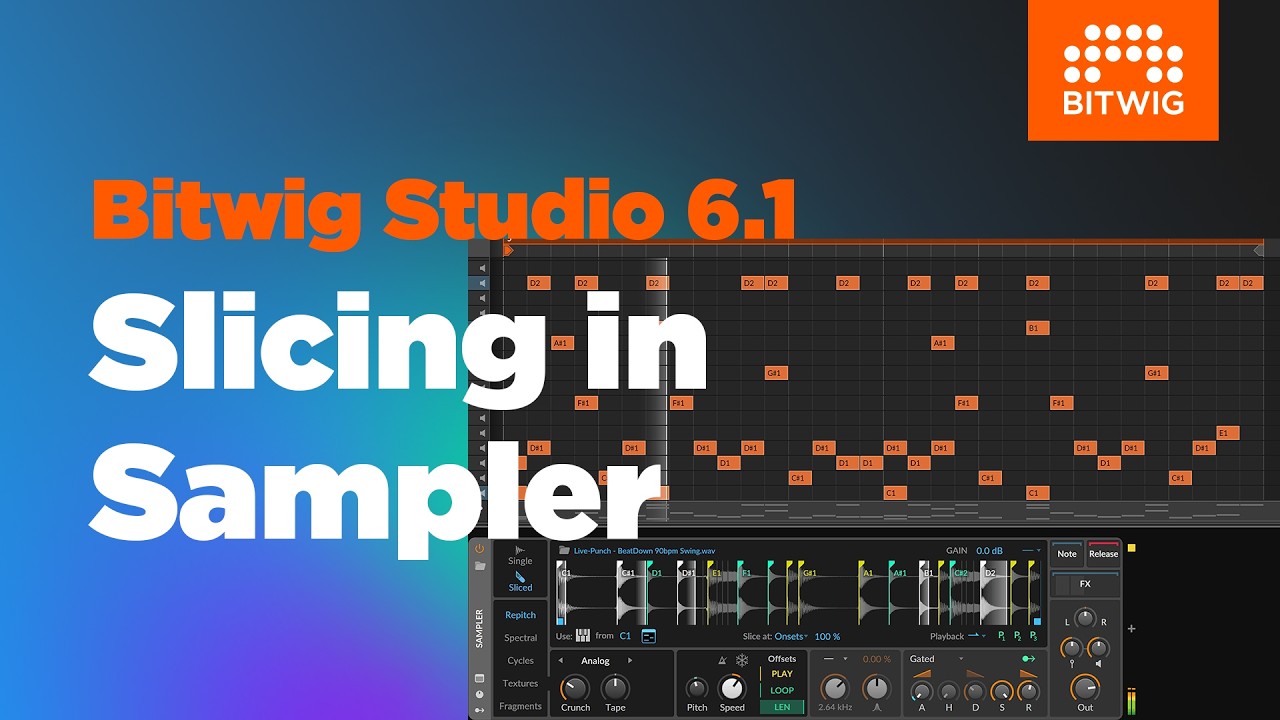
Sampler has received a major overhaul that dramatically transforms what the device can do, and among these new capabilities, sample slicing is one of the most useful new features for music-makers working with audio. Load up a sample, hit the Sliced icon and Sampler will chop it up into slices that can be triggered from a MIDI controller or the Piano Roll.
There are five Slicing Modes that determine how a sample is divided: Divisions slices the sample into a number of equal pieces between 8 and 64, Beats cuts at rhythmic intervals based on Sampler’s BPM detection, Onsets chops it at the transients with adjustable sensitivity, and Pitch slices at points where the sample’s pitch changes. There’s also a Manual mode for setting your own slice points.

There are several options for how slices are triggered, too: along with the usual chromatic layout, you can assign slices to white or black keys only, trigger them via note velocity, or trigger them with a dedicated Select parameter that responds to automation and any of Bitwig's modulators. Each slice can also be given its own loop settings and modulated independently, courtesy of three per-slice modulation sources that can be mapped to any parameter in Sampler.

Free music samples: download over 95,000 loops, hits and multisamples from SampleRadar
Sampler has also been equipped with new automatic pitch analysis that makes it quick and easy to map a sample’s pitch accurately across the keyboard. Sampler can now helpfully sets a sample’s root key automatically, either by detecting the average pitch across the sample’s duration, or setting the root key from a chosen position in the waveform.
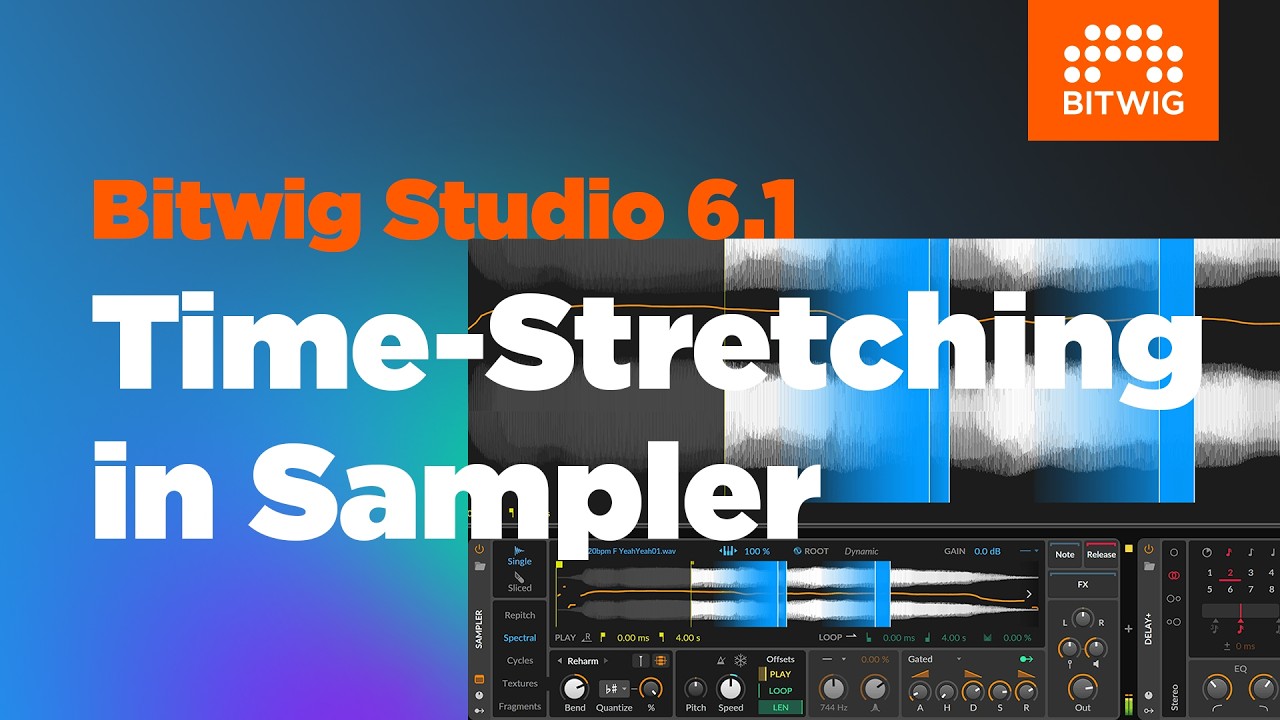
Click the Orb icon in Sampler and your sample’s pitch will be analysed, represented by an orange line running across the waveform. Press a key, and the sample will be dynamically retuned during playback to maintain the chosen pitch throughout its duration, even if the original sample changes in pitch.
The updated Sampler also features two new Play Modes: Spectral is designed for “stretching, bending and breaking” sounds, and uses a newly purpose-built algorithm to deliver clean and artifact-free time-stretching, with a Preserve Onsets function that maintains the punch of a sample’s transients even when slowing it right down. Spectral's Reharm mode lets you shift the harmonics of a sample while leaving the fundamental where it is, and harmonics can be quantized in line the project's global scale.
“What makes a modern sampler? We found many answers to this question, and decided to implement all of them”
Bitwig
Complementing Textures, Sampler’s existing granular mode, Fragments Mode is a more advanced granular engine that can generate up to 256 independent grains per voice, giving each grain independent playback rate and direction, position and size. Grain size can be set in milliseconds or beat units, and there's a morphing grain envelope, a Motion control that randomizes each grain's playhead position and stereo placement, and the ability to repeat each grain up to 16 times for denser textures.
Sampler’s other Play Modes have also received an update: Repitch has been bolstered with two hardware-emulating characters that are applied per-voice – Bitwig says Analog delivers “juicy saturation and tape flavour” while Digital emulates vintage samplers via bit and sample-rate reduction – while Cycles, a mode that turns samples into wavetable-style oscillators, gains pulse width-style modulation, phase modulation and control over odd and even harmonics.

Bitwig Studio's new pitch detection also powers the Tuner, a new analysis tool available both as a device and as a Grid module. Grid users get some love too: the Sampler module can output its onset, pitch and envelope as signals, and Fragments grains can be triggered directly by signal input.
Whereas Bitwig Studio’s previous update was all about core DAW functionality, 6.1 finds the developer sharpening its focus and reimagining one key device that’ll be central to most users’ workflows, opening up an abundance of creative possibilities for music-makers that work with samples.
Bitwig Studio 6.1 is available now, and is a free update for all customers with an active Upgrade Plan. The updated Sampler and the new Tuner are included in every edition, though the Spectral and Fragments Play Modes are exclusive to the full version of Bitwig Studio.
Find out more on Bitwig’s website.