Classifieds Marketplace

Reason video: programming beats in Redrum

Create a groove in minutes

The MusicRadar Team, Fri 18 Jul, 11:02 am UTC

Programming beats in Redrum

Reason's Redrum makes programming beats easy

View in gallery

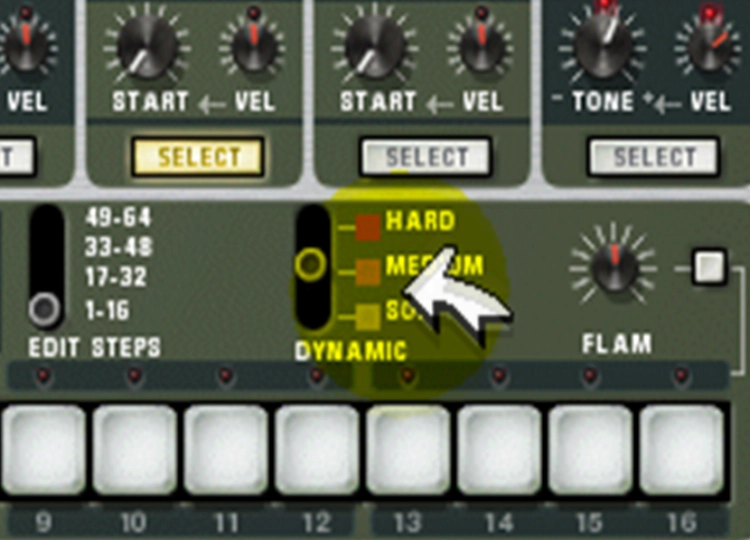
When you fire up Reason for the first time, the chances are that Redrum will be the device that you want to use before any other. This is designed to look and operate like a classic hardware drum machine, and because it has its own built-in pattern sequencer, it enables you to create grooves very quickly.

In this short video we'll show you how to build your first pattern, teaching you how to select and trigger different sounds along the way. If you've never used Reason before, it's the perfect introduction.

Share:
StumbleUpon
Digg
Reddit
Del.icio.us

User comments (1)

  • Reminiscence

    Avatar for Reminiscence

    15 weeks ago.

    I'm excited that you're releasing videos on Reason. Keep it up!
    A couple of pointers that was probably left out in the vid. When you program beats in the ReDrum and you want to create dynamics without shifting the lever, you can use Shift+click for the Hard option, Ctrl+click for Medium, Alt+Click for Soft. (for PC)
    Also the 10 channels of the ReDrum might look the same, but I can guarantee you they're not. Check out the bottom two rows of each ReDrum channel. The mangling of beats can get vary interesting.

    Mark as inappropriate

You need to be logged in to post a comment. Login or Register to post a comment.

MusicRadar Network

MusicRadar avatar

Join the MusicRadar Network

Create a profile, showcase your music, your pictures and your gear and talk to other musicians.

ReviewFinder

Search by product, brand or manufacturer

Win the ultimate gaming setup!

Shopping Partners

  • Visit our shopping partner, Thomann

MusicRadar Marketplace

If you're looking for great deals on gear, tuition, mastering, education or kit hire, click here for our new and improved marketplace.