


Rebooted
Korg's second Electribe reboot is here and we're taking a look at what the desktop module has to offer.
Check out the video below, and click through the gallery for our thoughts on some of the key elements to this sampler.
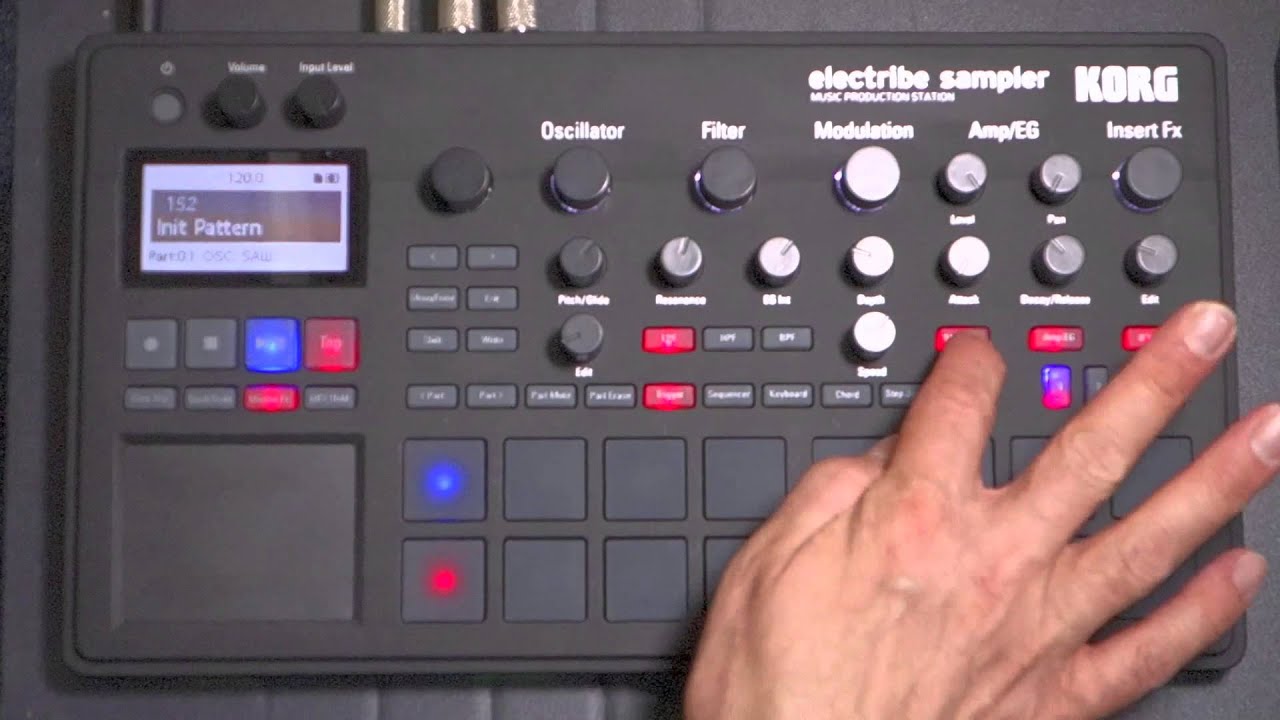


Pads
The pads themselves have a nice feel, and allow for subtle velocity changes as well as fast rolls and flams. The pads are backlit with different colours depending on function, and act as shortcut keys when combined with the SHIFT button (though you’ll need to learn these as they’re only shown in the downloadable Parameter Guide).

Quick access
The knobs provide quick access to samples and sound editing parameters, many of which can be automated with Korg’s ‘Motion Sequencing’ system.
Unlike previous Electribe Samplers, this box comes with hard-wired factory content supplied by some of the biggest names in sample pack creation. Korg has even thrown-in some virtual analogue synthesis capabilities.


Quantise templates
Sadly for such a knob-encrusted interface, there’s no avoiding the LCD screen for further editing, though navigating the menus is pretty painless. Here we’re dialling-in a ‘Groove’ - these are custom quantise templates that can be assigned to each part. They really help the programmed beats come alive.