
PLUGIN WEEK 2026: The ever-controversial Canadian triple-threat Drake is a veritable pop powerhouse, pumping out hit after hit in his inexorable quest for chart domination.
The most successful of his three most recent albums, Iceman, was met with a somewhat mixed critical reception, but commercially it’s yet another smash and features just the pristine, polished production you’d expect from one of the biggest RnB artists in the world.
Produced by a team of frequent collaborators led by 40, Boi-1da, and Tay Keith, Drake’s remained rather closed-mouthed on his current studio process. However, over a decade ago, 40 spoke to Sound on Sound about how he and Drake typically began writing songs;
“Drake and I do take pride in writing songs together, just the two of us,” 40 told Sound on Sound. “We'll start in an old-school way, with me on the piano or at my Wurlitzer, finding a chord progression, and he'll start singing some melodies.”
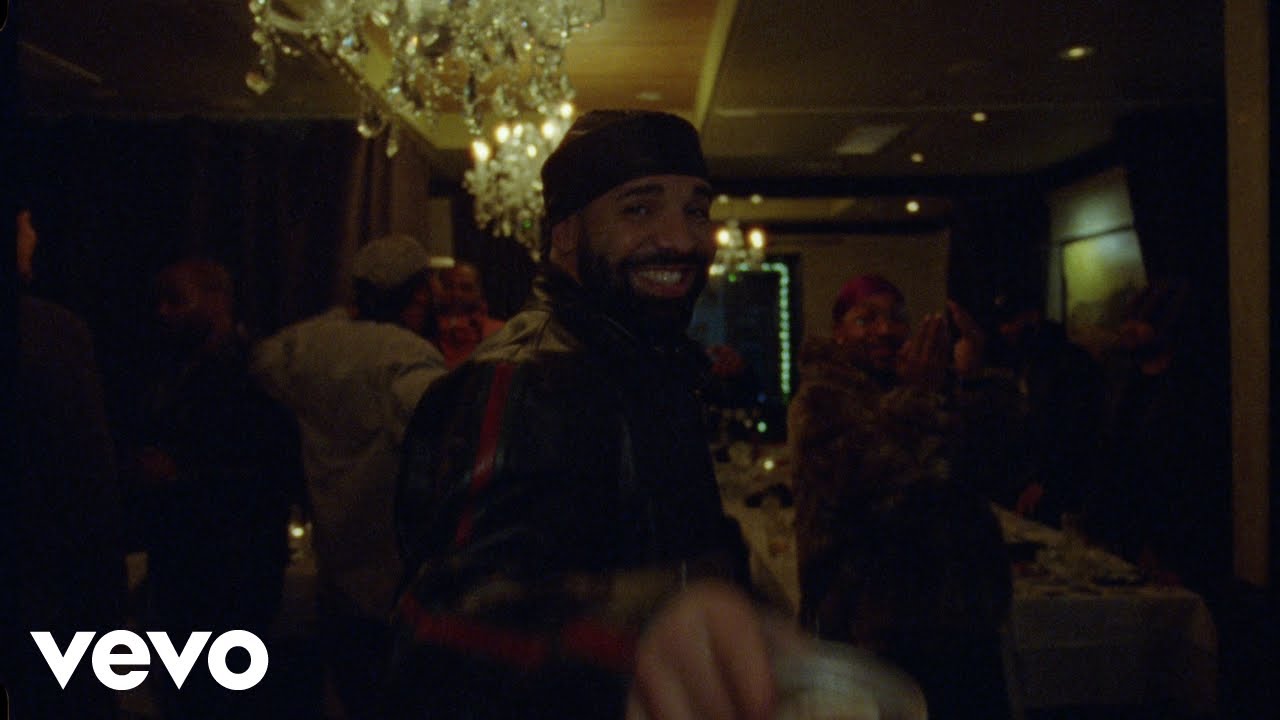
One of Iceman’s biggest talking points is the track Burning Bridges which features smooth chords, rolling trap drums, creamy bass and euphoric synthesized ear candy.
And, yes - a lyric that seems to settle one or two scores with former collaborator ASAP Rocky…
But we’re not here for lyrical beef and surrounding drama, we’re here for the rich music itself - gold-standard, top-tier hip-hop all the way.
Let’s see how we can create a similar beat using a selection of popular instrument and effect plugins.
1. Make a trap-style beat with Battery 4
When it comes to hip-hop and trap beats, Native Instruments’ Battery 4 is a great choice due to the huge number of expansions that feature compatible patches.
To get a Drake-style trap kit we’re going to use The Stereotypes expansion, specifically the Climax Kit.

The Climax Kit features processed Roland TR-808 style sounds that are perfect for creating trap-influenced beats.
Setting our DAW’s tempo to a low-slung 65 BPM, we’ll start with D1 snares an D#1 claps on the second and fourth beat of the bar, with C1 kicks on the first, eleventh and fourteenth 16th notes.

Next we’ll add G#1 closed hats and A1 high-hat rolls to provide our drum part with some tasty tops.

To create a two-bar groove we’ll duplicate the bar out, removing the final kick to provide a touch of variation.

To get our beats sounding loud and punchy let’s add Sir Audio Tools StandardCLIP, setting it to Hard Clip Mode with Ceiling on, and an Input Gain of 8.80 dB.

2. Synthwave chords with Nexus 5
Burning Bridges features some classic-sounding brassy synth chords, and we can get just the same sound with presets from reFX Nexus 5. Let’s start by selecting the Synthwavers Brass patch, setting the Filter modifier Envelope to +21 and Cutoff to -74 to get smoothed-out sound.

The chords for this part are straightforward, they’re a D# major 7 followed by a D minor 7. Simple, but infectiously jazzy.

Let’s set both of our tracks to -10 dB so that we don’t overload our master channel.

3. Rich bass with Analog Lab V
To create a thick bass that underpins our synth chords we can use Arturia’s Analog Lab. The Dark Reese preset is a great starting point for our bassline.

We’ll play a part that follows the root notes of the chords, with an octave jump at the end of the first bar and a perfect fifth at the end of the second bar.

This sounds pretty sinister on its own, but let’s hear it with the chords and drums.
This accompanies the chords in a satisfying manner, and if you have a license for the Korg MS-20 V instrument that’s used to create the Dark Reese patch you can make a satisfying tweak: click the Edit Preset button, then click the Open button to bring up the MS-20 V’s interface.

Turn the Portamento down to 158 ms.

This makes the synth glide more quickly between notes, giving us a tighter feel.
4. Awesome ear candy with Diva
When it comes to virtual analogue u-he Diva is hard to beat, and it includes plenty of awesome presets to play with. Let’s load up the HS Space Ocarina preset to create some pleasing ear candy.

We’ll use this to play an A3, C4, D4, F4 glissando at the start of the second bar.

Let’s duplicate this onto the start of the third bar and transpose it an octave up.

This sound could use some delay. You can use any delay you like for this, we’re using Ableton Live’s Delay synced to a single 16th note, with a medium high Feedback and Dry/Wet Mix set to 30%

Let’s set this track to -9.3dB to balance it with the others.

5. Mellow melodies with Analog Lab
For the final sound, let’s use another instance of Arturia Analog Lab, this time sticking with the default Classic Jun Keys preset. Turn down Brightness and Reverb macros down to zero to give us a simple sound.

Copy the melody we’ve used here, which gives us a catchy call-and-answer effect on either side of the ear candy motifs.

This sound could so with some reverb, so let’s use FabFilter Pro-R 2’s Very Large > Darkest Hour preset, turning the Mix up to 44.4% to give us a softer, more atmospheric sound.

Set this track to -4.7 dB to balance it with the other elements.

Here’s how the finished loop sounds:
A simple but effective beat, this arrangement has a catchy, nostalgic vibe and leaves plenty of room for rapped or sung vocals.
It's Burning Bridges-esque, and we're sure someone like Drake could create an entirely new vocal for it.
Why not try one yourself? Just think about that one person who really irritates you and let the diss track flow forth!