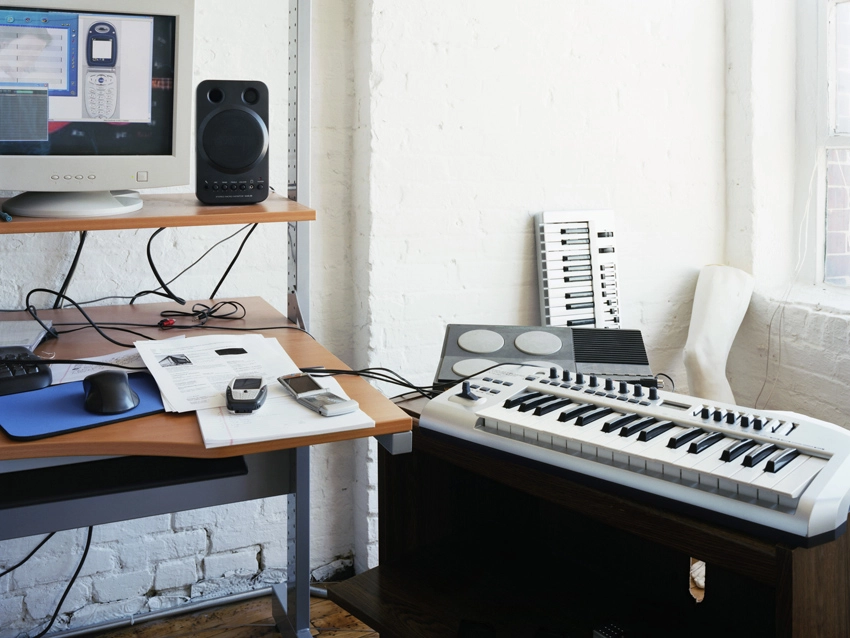
As a tech-hungry computer musician, it's understandable that you want to spend the majority of your time sitting at your desk making tunes or tinkering with new plug-ins.
But if you want to improve your workflow, it's worth spending just a few hours thinking about how your studio works and how it could be improved. In many cases, a little bit of planning and preparation could improve your music making immeasurably, and we've got a selection of tips that will help you to do just that.
For a complete guide to tuning up your studio, check out the March issue of Computer Music magazine (CM175), which is on sale now.

Crazy cabling
If you've got lots of cable clutter, have a look at cable tidy kits. These flexible loops of plastic wrap around bunches of cables to stop that spaghetti junction from growing any more like a black hole, and best of all, they rarely cost over a fiver. Just keep your audio cables separate from your power cables to avoid mains hum interference.
Get your hands dirty
You'll see various room treatment kits online, but you can build your own for considerably less expense. All you need is some mineral wool, wood for the framing and breathable fabric to cover it with. For bass traps, the thicker the mineral wool is, the better; but when you're building panels to tackle early reflections, you can get away with using thinner mineral wool.
Buy smart
If you're looking to buy an audio interface, make sure you do your homework. Scour the internet to see if people are having recurring problems when running it with your operating system, for example. Both cheap and expensive machines alike can have driver issues, so unless the company is active in patching bugs and releasing updates, you may end up tearing your hair out. Be smart and buy something that scores highly in the satisfaction stakes.
Does this sit right?
Investing in a good chair means investing not just in your comfort but also in your health. Sitting for hours on end in a poor posture is a sure-fire way to give yourself back problems in just a few short months. Choose a studio chair that is comfortable yet still offers enough support. If your budget doesn't stretch to a chair, go for a removable lumbar support instead.
Ground control
If you've got your eye on a MIDI controller, get hold of the online manual before you open up your wallet and have a look at how easy it is to set up the knobs and faders. If you need a degree in engineering to configure the thing, it will be as much use to your workflow as a kick in the shins. A lot of the newer controllers make configuration as simple as pressing a few buttons, and it's always worth spending a little extra for ease of use.
Double check the drivers
When buying a second-hand audio or MIDI interface (or any other bit of gear, really), make sure you check to see if the drivers are available for the operating system you use. Interfaces that only have drivers for older operating systems go for dirt cheap - and no wonder if you've got to buy a Windows 98 PC before you can use them!
Master and slave
It's useful to have digital inputs and outputs on your audio interface if you need to hook up multiple interfaces. If you do this, make sure you set one as the master clock and the other as the slave - otherwise, you'll get hisses of noise and audio dropouts as the interfaces go out of sync.
Tidy up your gear
If you have a few bits of 19-inch rackmount gear, you can remove clutter by housing it in a cool, accessible housing. You can even cobble together your own - the fittings are the same as those used to house equipment in the computer industry, so they can be picked up for peanuts. Just leave enough air holes for ventilation, as studio equipment can get hot, especially when bunched together.
Make a splash
You can do away with your CPU fan entirely if you opt for a water-cooling system for your computer. However, make sure you check with your manufacturer to ensure you choose a product that works with your configuration. If you can't be doing with all this DIY system-building stuff, Scan has a practically silent, fanless audio PC - it's available through its 3XS division, which builds dedicated systems for audio.
Always to hand
Try to lay out your gadgets within arm's reach. It might save space to stuff your keyboards in the far corner of the room, but you'll be far less inclined to use them if it means getting up and standing in an awkward position just to play a few notes. MIDI keyboards are generally quite light, so you could even build your own stand from wood and MDF. This way, you can place them in the ideal position for your studio.
Liked this? Now read: 10 ways to speed up your workflow
